당신의 앱.
당신의 주소.
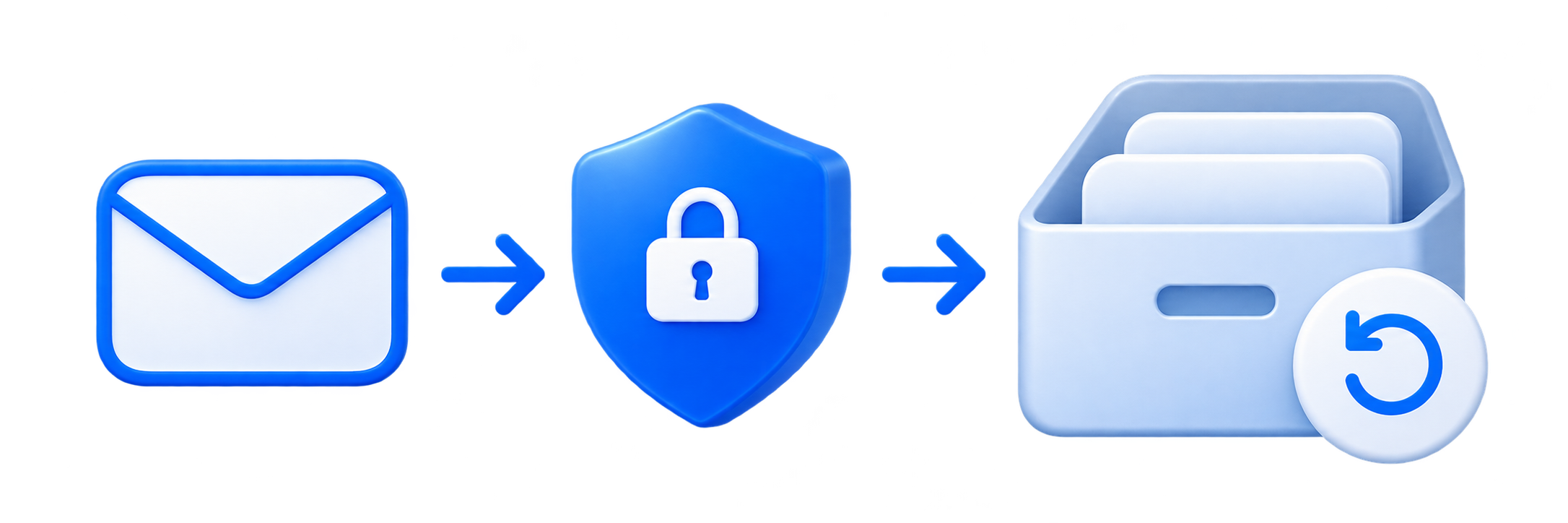
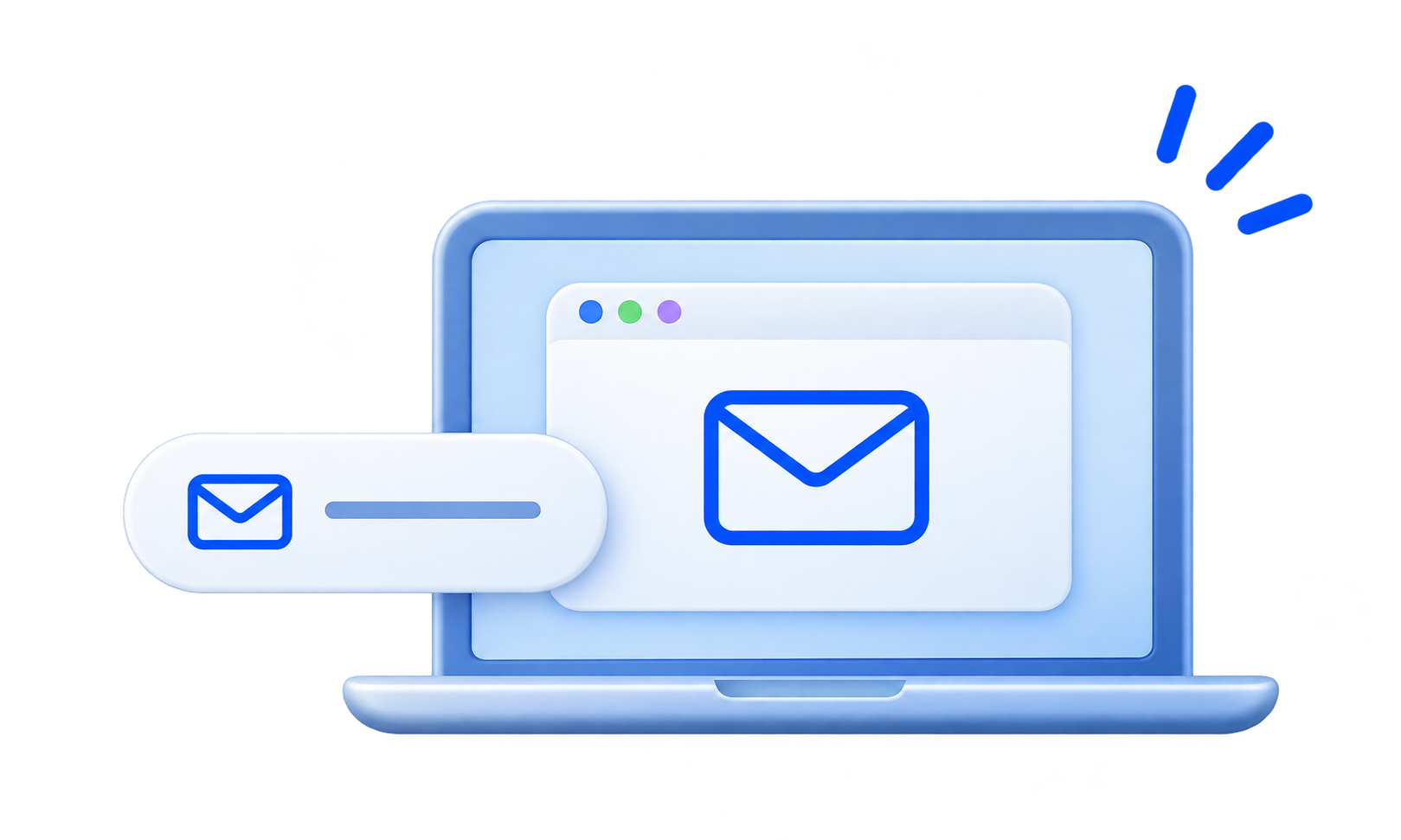
이메일 주소와 메일 앱은 그대로. 원치 않는 메일은 InboxPeace가 처리합니다.
메일 앱을 어지럽히는 차단 메일 폴더가 없습니다.
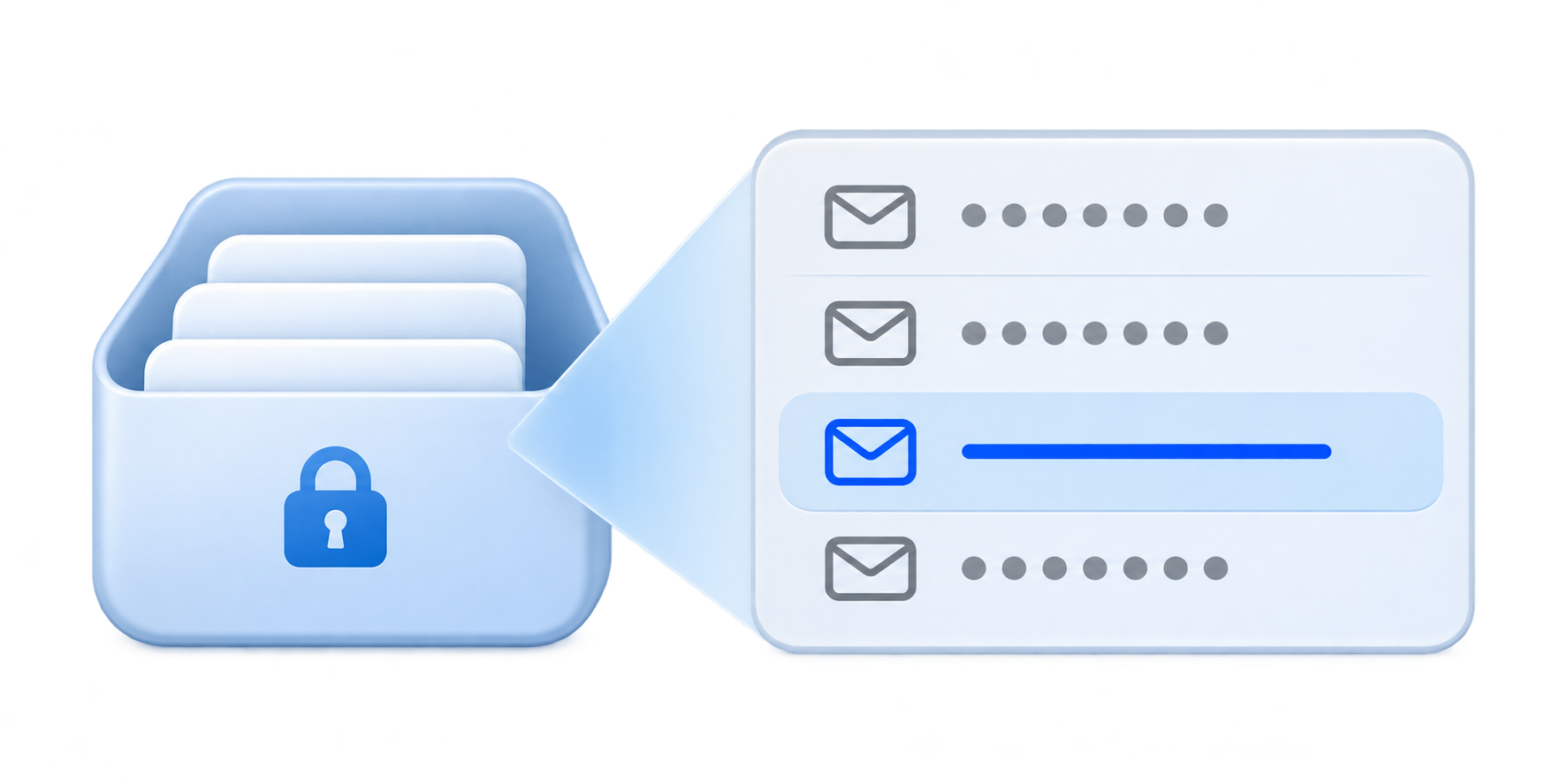
암호화된 보관소를 검색하세요. 필요한 메시지만 표시하고 복원하세요.
InboxPeace 비교
InboxPeace가 당신의 이메일에 맞는 이유를 확인하세요.
Clean Email과 비교
끌어서 차단. 알려진 위협 확인. 메일함 밖의 암호화된 복구.
Clean Email의 영구 삭제 옵션은 Clean Email을 통한 복구가 불가능합니다.
SaneBox와 비교
HEY와 비교
차단과 비공개 복구를 더하세요. 익숙한 이메일 환경은 그대로.
Gmail, Outlook, iCloud만 쓸 때와 비교
차단한 메일은 메일 앱에서 사라집니다. 중요한 메일은 별도의 암호화된 보관소에서 복구하세요.
기본으로 갖춘 개인정보 보호
InboxPeace가 저장하는 개인정보 보호.
고급 보호
양자 내성 암호화
고급 보호는 복구 키와 비밀번호로만 이 사본의 잠금을 해제할 수 있도록 설계되었습니다. InboxPeace가 대신 해제할 수 없습니다.
새 복구 키에는 ML-KEM-768과 XChaCha20-Poly1305를 사용합니다. 고급 보호는 새 복구 사본에 적용되며, 기존 사본은 원래의 보호를 유지합니다. 키 파일과 복구 비밀번호를 안전하게 보관하세요.
| 가격 4 mailboxes | InboxPeace US$14.95 / month Control · up to 5 mailboxes 시작하기 | Clean Email US$19.99 / month 5 accounts | SaneBox US$42.99 / month Dinner · 4 accounts | HEY US$33.00 / month equivalent US$396/year · 4 accounts Family pricing available | Gmail · Outlook · iCloud Included With your existing email |
|---|---|---|---|---|---|
| Blocking | |||||
| Blocked mail out of your mail app | Removed from your mail app. | Permanent deletion available. | Moved to BlackHole, then Trash. | Screened out within HEY. | Moved to Spam, Junk or Trash. |
| Block in the app you use | Drag to Block. Future mail stays blocked. | Not included | Drag to SaneBlackHole | Not included | Use Block or Junk |
| Domain rules | Included | Domain rules | Domain filters | Domain screening; some exceptions | Provider filters. |
| Keyword rules | Included | Subject, sender & recipient | Subject filters | Speakeasy subject code | Provider filters. |
| Pattern rules | Included | Text matching | Advanced filters | Speakeasy subject code | App-specific rules. |
| 복구 복구 사본은 플랜에 따라 7일, 30일 또는 90일 기간 내에 이용할 수 있습니다. | |||||
| Recovery outside your mailbox | Encrypted archive | Trash recovery only | Mail stays in your mailbox | History within HEY | Mailbox retention |
| Masked archive outside your mailbox | Sender and subject stay masked. | Uses your mailbox. | Uses your mailbox. | Uses HEY’s mailbox. | Uses your mailbox. |
| Selective reveal in your recovery archive | Choose what to reveal. | Uses your mailbox. | Uses your mailbox. | Uses HEY’s mailbox. | Uses your mailbox. |
| Message recovery | Find, reveal & restore | Restore from Trash | Holding folder or Trash | Screen the sender back in to recover up to 90 days of mail. | Restore from Spam, Junk or Trash. |
| Find one message | Search your recovery archive | Search your mailbox | Search provider folders | Search HEY mail | Built-in mail search |
| Recovery window | 30 days · Control | Your mailbox’s Trash window | Usually 7 days, then Trash | Last 90 days of screened mail | Your provider’s retention window. |
| Your emailGmail 및 Google Workspace와 함께 작동합니다. | |||||
| 이메일 주소는 그대로 | Keep your address | 기존 메일함 | 기존 메일함 | HEY or forwarded address | Your existing account |
| Keep your mail app | Keep your app | Keep your app | Keep your app | Use HEY’s apps | Your mail app |
| Email services | Gmail, Outlook, iCloud, Yahoo, Zoho | Major email providers | IMAP & Exchange | HEY-hosted email | Gmail · Outlook · iCloud |
| Connect, pause and disconnect mailboxes | Connect, pause, resume or revoke access. | Mailbox permissions | Mailbox permissions | HEY account | Manage account and app access. |
| No mandatory sender screening | No extra screening step | Screener is optional | Screener is optional | Review first-time senders | No extra screening step |
| Rules & AI | |||||
| Search your rules | Included | Search Auto Clean rules | Training & filters | Sender history | Your provider’s rule settings. |
| Manage rules in bulk | Included | Manage Auto Clean | Manage training | Sender controls | Your provider’s rule settings. |
| Pause rules | Pause & resume | Pause Auto Clean | Toggle folder tools | Change sender decision | Your provider’s rule settings. |
| AI rule suggestions | AI suggests. You approve. | Cleaning Suggestions | Learns from folder moves | Manual sender screening | Optional Gemini or Copilot features. |
| What AI helps you do | Create rules and get product help | Connect your AI assistant | Included with Dinner: drafts & summaries | Connect your AI agent | Gemini or Copilot on eligible plans. |
| Automation included in your plan | Sender, domain, keyword and pattern rules. | Auto Clean rules and cleaning suggestions. | All power tools | Screener, routing and personal workflows. | Your mail app’s rules and filters. |
| Security & privacy | |||||
| Encrypted recovery outside your mailbox | Encrypted copies | Uses your mailbox. | Uses your mailbox. | Uses HEY’s mailbox. | Uses your mailbox. |
| Advanced, user-key recovery protection | Post-quantum recovery keys. Only your key and password unlock Advanced copies. | No separate recovery archive. | No separate recovery archive. | Recovery stays within HEY’s service. | Recovery stays with your provider. |
| Threat-intelligence checks | Known-threat intelligence checks. | Cleanup rules | Not a spam or virus scanner. | Spam filtering | Spam / phishing checks |
| Sender and domain reputation analysis | Included on all InboxPeace plans | Unusual-sender grouping | Sender learning | Sender screening | Your provider’s spam and phishing checks. |
| No selling your data | Not sold | Not sold | Not sold | Not sold | Your provider’s privacy policy. |
| History & teams | |||||
| Activity history | 30 days on this plan | 30-day cleaning history | Email activity tools | Screener history | Your mail app’s activity tools. |
| Account and rule change history | 365 days | 30-day cleaning history | 30-day service logs; used for troubleshooting. | Sender-screening decisions. | Business-account audit tools. |
| Email activity insights | Included | Cleaning history | Digest & activity tools | Personal workflows | Your mail app’s reports. |
| Team permissions | Shield only | Share account allowances | Business options | HEY for Domains | Business-account permissions. |
| Export your data | Export your InboxPeace data. | Mailbox export through your mail provider. | Mailbox export through your mail provider. | Export emails and contacts. | Your provider’s export tools. |
| Delete your account data | Account deletion controls. | Delete Clean Email app data. | Delete SaneBox account data. | Close account; some login details retained. | Your provider’s account-deletion controls. |
| Help & support | |||||
| Help centre | Included | Included | Included | Included | Help centres |
| Built-in AI product help | Alex, inside InboxPeace. | Your connected AI assistant | Help centre and email. | Your connected AI agent | Your provider’s help tools. |
| Human support included | In-app and email support. Every paid plan. | Contact support | Email support included. | Contact support | Your provider’s support options. |
| Support history in the app | Your conversations, in one place. | Contact support | Contact support | Contact support | Your provider’s support tools. |
| Other email tools | |||||
| Mailbox cleanup | Blocking & recovery | Bulk cleaning actions | Email Deep Clean | Power Through New | Built-in bulk actions |
| Priority sorting | Use your existing mail app. | Smart Folders | SaneLater & training | Imbox / Feed / Paper Trail | Categories or Focused Inbox. |
| Block without unsubscribing | Block. No unsubscribe needed. | Block or unsubscribe | SaneBlackHole | Screen the sender out | Built-in blocking |
| Snooze & reminders | Use your existing mail app. | Read Later | Snooze & reminders | Reply Later / Set Aside | Your mail app’s snooze and reminder tools. |
기본 제공 관리 기능은 제공업체와 메일 앱에 따라 다릅니다.
가격 확인일 25 November 2026 각 제공업체의 공식 요금 페이지 기준, 미국 달러, 세전, 월간 결제 가격입니다. HEY는 연간 결제만 가능하며, 월 금액은 연간 가격을 12로 나눈 값입니다.
다음 시점 기준 공개 정보에 근거한 비교: 25 November 2026. 경쟁사 정보는 2026년 11월 25일에 확인했습니다.
Clean Email, SaneBox, HEY, Gmail, Outlook, iCloud는 각 소유자의 상표입니다. InboxPeace는 이들과 제휴 관계가 없으며 이들의 보증이나 후원을 받지 않습니다.
Gmail을 지원합니다.
공식 요금: Clean Email, SaneBox, HEY.
비교: 4 mailboxes.
원치 않는 메일은 차단. 중요한 메일은 복구.