你的 App。
你的地址。
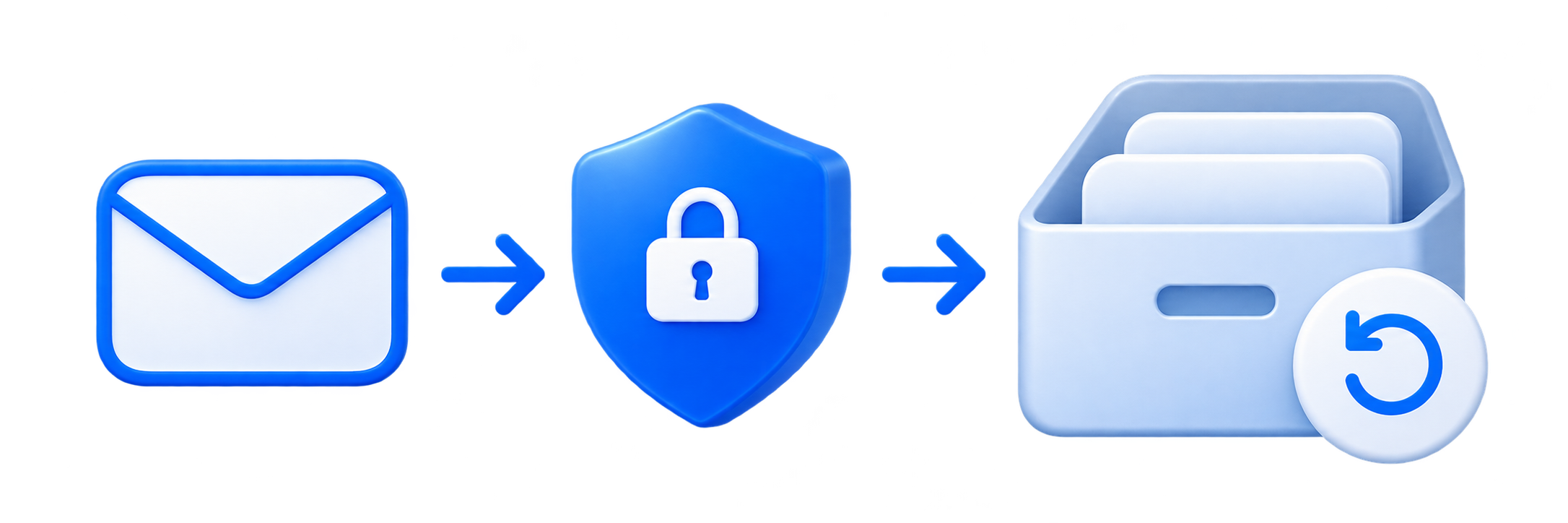
保留你的電子郵件地址和郵件 App。InboxPeace 處理不想要的郵件。
沒有封鎖郵件資料夾塞滿你的郵件 App。
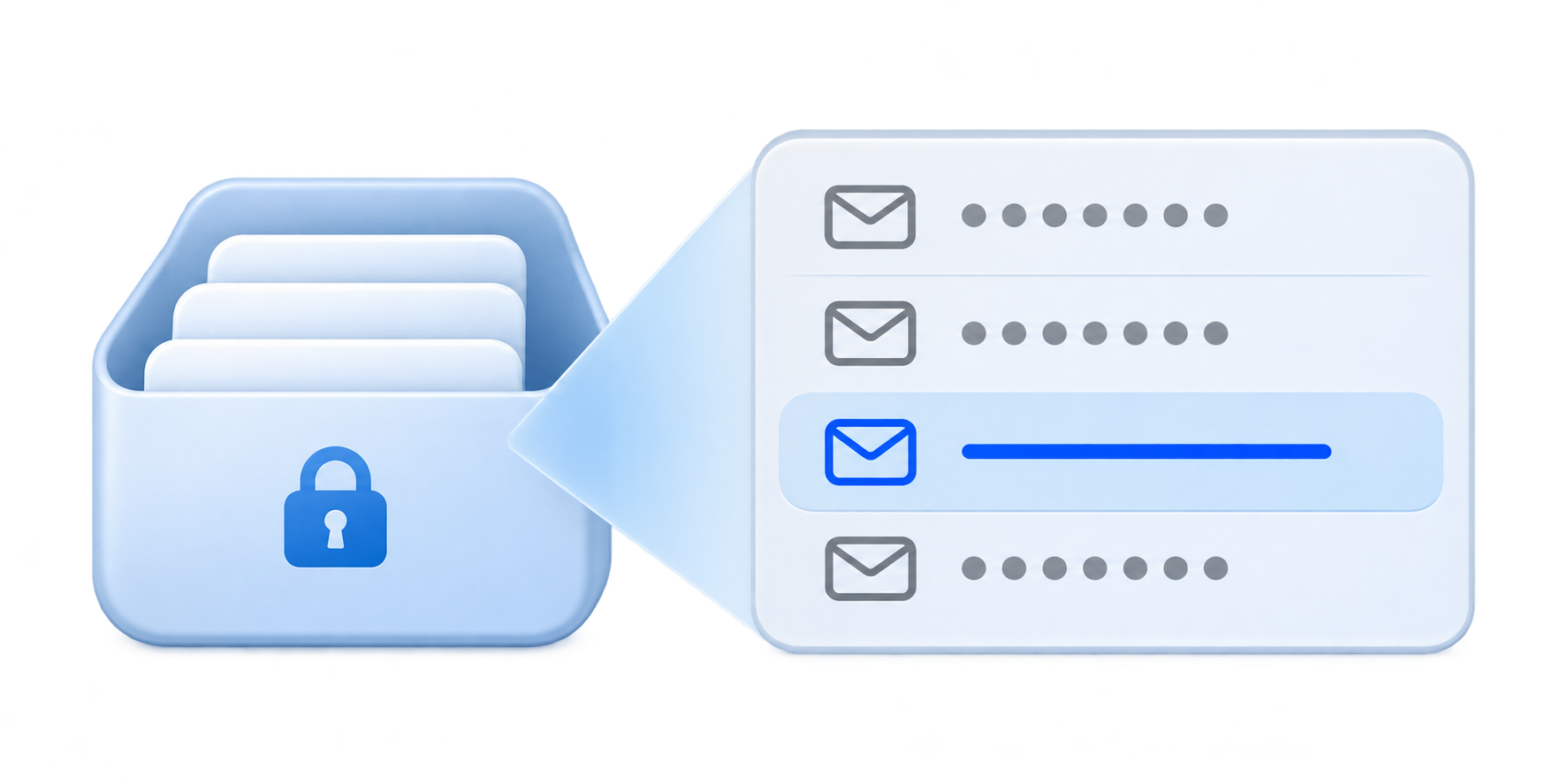
搜尋你的加密封存。只顯示並還原你需要的郵件。
比較 InboxPeace
了解 InboxPeace 為何適合你的電子郵件。
對比 Clean Email
拖曳即封鎖。已知威脅檢查。信箱以外的加密復原。
Clean Email 的永久刪除選項無法透過 Clean Email 復原。
對比 SaneBox
對比 HEY
加上封鎖和私密復原。保留你熟悉的電子郵件設定。
對比單獨使用 Gmail、Outlook 和 iCloud
被封鎖的郵件會離開你的郵件 App。從獨立的加密封存中復原重要的郵件。
內建隱私保護
保護 InboxPeace 所儲存的個人資料。
進階保護
後量子加密
進階保護的設計是只有你的復原金鑰和密碼能解鎖這些副本。InboxPeace 無法替你解鎖。
新的復原金鑰使用 ML-KEM-768 和 XChaCha20-Poly1305。進階保護適用於新的復原副本;現有副本維持其原本的保護。請妥善保管你的金鑰檔案和復原密碼。
| 價格 4 mailboxes | InboxPeace US$14.95 / month Control · up to 5 mailboxes 開始使用 | Clean Email US$19.99 / month 5 accounts | SaneBox US$42.99 / month Dinner · 4 accounts | HEY US$33.00 / month equivalent US$396/year · 4 accounts Family pricing available | Gmail · Outlook · iCloud Included With your existing email |
|---|---|---|---|---|---|
| Blocking | |||||
| Blocked mail out of your mail app | Removed from your mail app. | Permanent deletion available. | Moved to BlackHole, then Trash. | Screened out within HEY. | Moved to Spam, Junk or Trash. |
| Block in the app you use | Drag to Block. Future mail stays blocked. | Not included | Drag to SaneBlackHole | Not included | Use Block or Junk |
| Domain rules | Included | Domain rules | Domain filters | Domain screening; some exceptions | Provider filters. |
| Keyword rules | Included | Subject, sender & recipient | Subject filters | Speakeasy subject code | Provider filters. |
| Pattern rules | Included | Text matching | Advanced filters | Speakeasy subject code | App-specific rules. |
| 復原 復原副本可在你方案的 7、30 或 90 天期間內取得。 | |||||
| Recovery outside your mailbox | Encrypted archive | Trash recovery only | Mail stays in your mailbox | History within HEY | Mailbox retention |
| Masked archive outside your mailbox | Sender and subject stay masked. | Uses your mailbox. | Uses your mailbox. | Uses HEY’s mailbox. | Uses your mailbox. |
| Selective reveal in your recovery archive | Choose what to reveal. | Uses your mailbox. | Uses your mailbox. | Uses HEY’s mailbox. | Uses your mailbox. |
| Message recovery | Find, reveal & restore | Restore from Trash | Holding folder or Trash | Screen the sender back in to recover up to 90 days of mail. | Restore from Spam, Junk or Trash. |
| Find one message | Search your recovery archive | Search your mailbox | Search provider folders | Search HEY mail | Built-in mail search |
| Recovery window | 30 days · Control | Your mailbox’s Trash window | Usually 7 days, then Trash | Last 90 days of screened mail | Your provider’s retention window. |
| Your email支援 Gmail 和 Google Workspace。 | |||||
| 保留你的電子郵件地址 | Keep your address | 你現有的信箱 | 你現有的信箱 | HEY or forwarded address | Your existing account |
| Keep your mail app | Keep your app | Keep your app | Keep your app | Use HEY’s apps | Your mail app |
| Email services | Gmail, Outlook, iCloud, Yahoo, Zoho | Major email providers | IMAP & Exchange | HEY-hosted email | Gmail · Outlook · iCloud |
| Connect, pause and disconnect mailboxes | Connect, pause, resume or revoke access. | Mailbox permissions | Mailbox permissions | HEY account | Manage account and app access. |
| No mandatory sender screening | No extra screening step | Screener is optional | Screener is optional | Review first-time senders | No extra screening step |
| Rules & AI | |||||
| Search your rules | Included | Search Auto Clean rules | Training & filters | Sender history | Your provider’s rule settings. |
| Manage rules in bulk | Included | Manage Auto Clean | Manage training | Sender controls | Your provider’s rule settings. |
| Pause rules | Pause & resume | Pause Auto Clean | Toggle folder tools | Change sender decision | Your provider’s rule settings. |
| AI rule suggestions | AI suggests. You approve. | Cleaning Suggestions | Learns from folder moves | Manual sender screening | Optional Gemini or Copilot features. |
| What AI helps you do | Create rules and get product help | Connect your AI assistant | Included with Dinner: drafts & summaries | Connect your AI agent | Gemini or Copilot on eligible plans. |
| Automation included in your plan | Sender, domain, keyword and pattern rules. | Auto Clean rules and cleaning suggestions. | All power tools | Screener, routing and personal workflows. | Your mail app’s rules and filters. |
| Security & privacy | |||||
| Encrypted recovery outside your mailbox | Encrypted copies | Uses your mailbox. | Uses your mailbox. | Uses HEY’s mailbox. | Uses your mailbox. |
| Advanced, user-key recovery protection | Post-quantum recovery keys. Only your key and password unlock Advanced copies. | No separate recovery archive. | No separate recovery archive. | Recovery stays within HEY’s service. | Recovery stays with your provider. |
| Threat-intelligence checks | Known-threat intelligence checks. | Cleanup rules | Not a spam or virus scanner. | Spam filtering | Spam / phishing checks |
| Sender and domain reputation analysis | Included on all InboxPeace plans | Unusual-sender grouping | Sender learning | Sender screening | Your provider’s spam and phishing checks. |
| No selling your data | Not sold | Not sold | Not sold | Not sold | Your provider’s privacy policy. |
| History & teams | |||||
| Activity history | 30 days on this plan | 30-day cleaning history | Email activity tools | Screener history | Your mail app’s activity tools. |
| Account and rule change history | 365 days | 30-day cleaning history | 30-day service logs; used for troubleshooting. | Sender-screening decisions. | Business-account audit tools. |
| Email activity insights | Included | Cleaning history | Digest & activity tools | Personal workflows | Your mail app’s reports. |
| Team permissions | Shield only | Share account allowances | Business options | HEY for Domains | Business-account permissions. |
| Export your data | Export your InboxPeace data. | Mailbox export through your mail provider. | Mailbox export through your mail provider. | Export emails and contacts. | Your provider’s export tools. |
| Delete your account data | Account deletion controls. | Delete Clean Email app data. | Delete SaneBox account data. | Close account; some login details retained. | Your provider’s account-deletion controls. |
| Help & support | |||||
| Help centre | Included | Included | Included | Included | Help centres |
| Built-in AI product help | Alex, inside InboxPeace. | Your connected AI assistant | Help centre and email. | Your connected AI agent | Your provider’s help tools. |
| Human support included | In-app and email support. Every paid plan. | Contact support | Email support included. | Contact support | Your provider’s support options. |
| Support history in the app | Your conversations, in one place. | Contact support | Contact support | Contact support | Your provider’s support tools. |
| Other email tools | |||||
| Mailbox cleanup | Blocking & recovery | Bulk cleaning actions | Email Deep Clean | Power Through New | Built-in bulk actions |
| Priority sorting | Use your existing mail app. | Smart Folders | SaneLater & training | Imbox / Feed / Paper Trail | Categories or Focused Inbox. |
| Block without unsubscribing | Block. No unsubscribe needed. | Block or unsubscribe | SaneBlackHole | Screen the sender out | Built-in blocking |
| Snooze & reminders | Use your existing mail app. | Read Later | Snooze & reminders | Reply Later / Set Aside | Your mail app’s snooze and reminder tools. |
內建控制項因服務供應商和郵件 App 而異。
價格查核日期 25 November 2026 依各服務供應商官方價格頁面,以美元計、未稅、按月計費。HEY 僅提供年繳;月費為年費除以 12。
比較依據截至以下日期的公開資訊: 25 November 2026。競爭對手資訊已於 2026 年 11 月 25 日查核。
Clean Email、SaneBox、HEY、Gmail、Outlook 和 iCloud 是其各自擁有者的商標。InboxPeace 與其並無關聯,亦未獲其背書或贊助。
支援 Gmail。
官方價格: Clean Email, SaneBox, HEY.
比較: 4 mailboxes.
封鎖不想要的郵件。復原重要的郵件。