

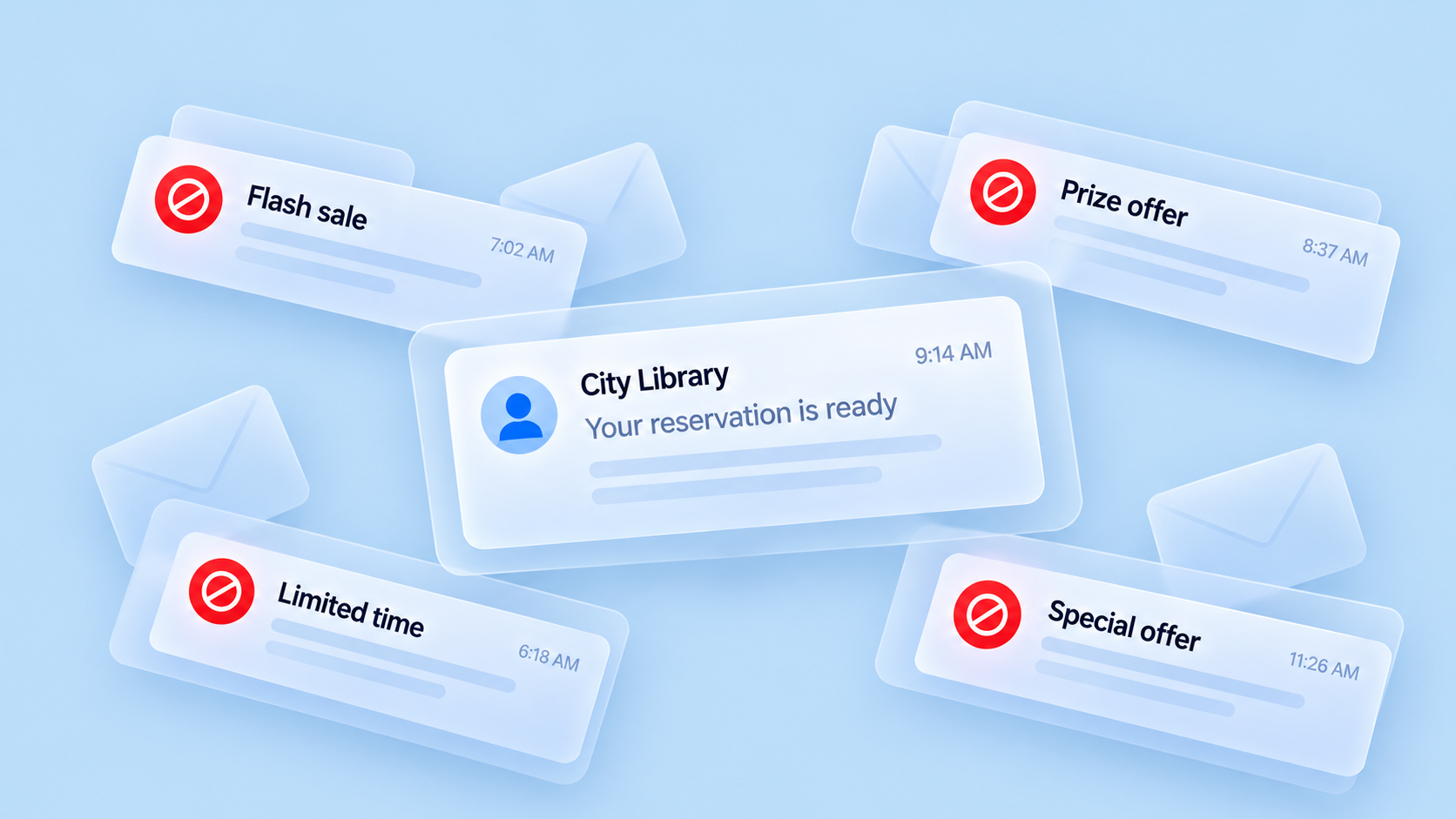
Blocking should end the interruption.
You’ve already made the decision. You shouldn’t have to keep sorting through the result.
Choose what stays out. Keep the email address and mail app you already use.
Compare email toolsOut of your inbox. Still on your mind.
Moving unwanted mail to another folder can leave you checking it for messages you need.
Gmail sends messages from blocked senders to Spam. Outlook sends them to Junk (Google and Microsoft help pages, checked November 2026). The messages remain somewhere you may need to check for legitimate mail.
InboxPeace keeps matching blocked mail out of your native client, with masked recovery for messages you want back.
Before blocking After blocking
Before and after blocking
Keep your folders. Lose the unwanted senders.
Your mail app handles organization. InboxPeace handles the senders you’ve chosen to block.
You don’t need their cooperation.
Unsubscribe asks the sender to stop. Your blocking rule puts the choice in your hands.
Unsubscribe can work for legitimate newsletters. Suspicious senders may ignore it—and interacting with their links can reveal that your address is active.
One decision. One drag.
Block a sender without building a filter. Use advanced rules when you need more precision.
Your email app already has powerful tools for finding, filing and organising mail. Use them for cleanup. Use InboxPeace to keep matching unwanted mail out of your mail app.
Drag-to-block makes the everyday choice immediate. Domain and keyword controls remain available when you need precision.
Keep the final say.
AI can explain a pattern and propose a rule. You decide what takes effect.
InboxPeace uses AI to help explain and create rules. You approve the choice. The software keeps applying it.
Your dashboard lets you inspect, change, pause or remove that rule.
Recover the message. Spare yourself the rest.
Find the legitimate email you need without seeing every unwanted sender and subject again.
Find what you need with masked details and deliberate reveal.
Less to manage
Block the senders you don’t want. Not every sender you haven’t met.
A sender screener can put unfamiliar senders in a review queue—even people you want to hear from.
With InboxPeace, move an unwanted message to Block. InboxPeace creates its sender rule and removes matching later mail from your connected mailbox while protection is active.
Compare screening and blocking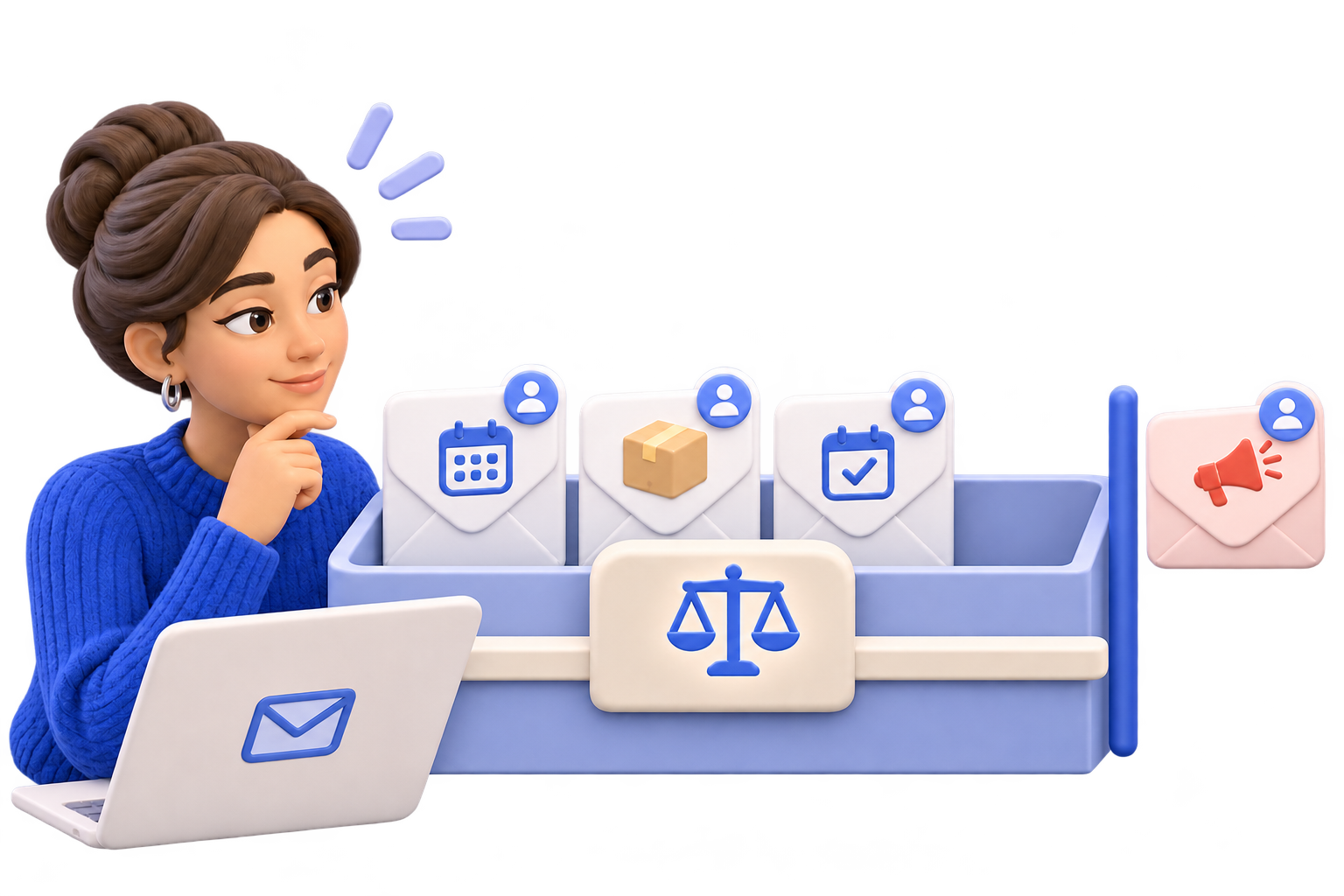
Take a closer look
Make email less work.
Use the tools you already have.
Find, file and clear mail in Gmail, iCloud Mail or Outlook.
Explore cleanup guidesCompare email tools.
See how blocking, cleanup, screening and recovery differ.
See the comparisonSee recovery in action.
Watch how to find, reveal and restore a blocked message.
Watch the recovery demoMore ways to find your peace.

Your app organizes
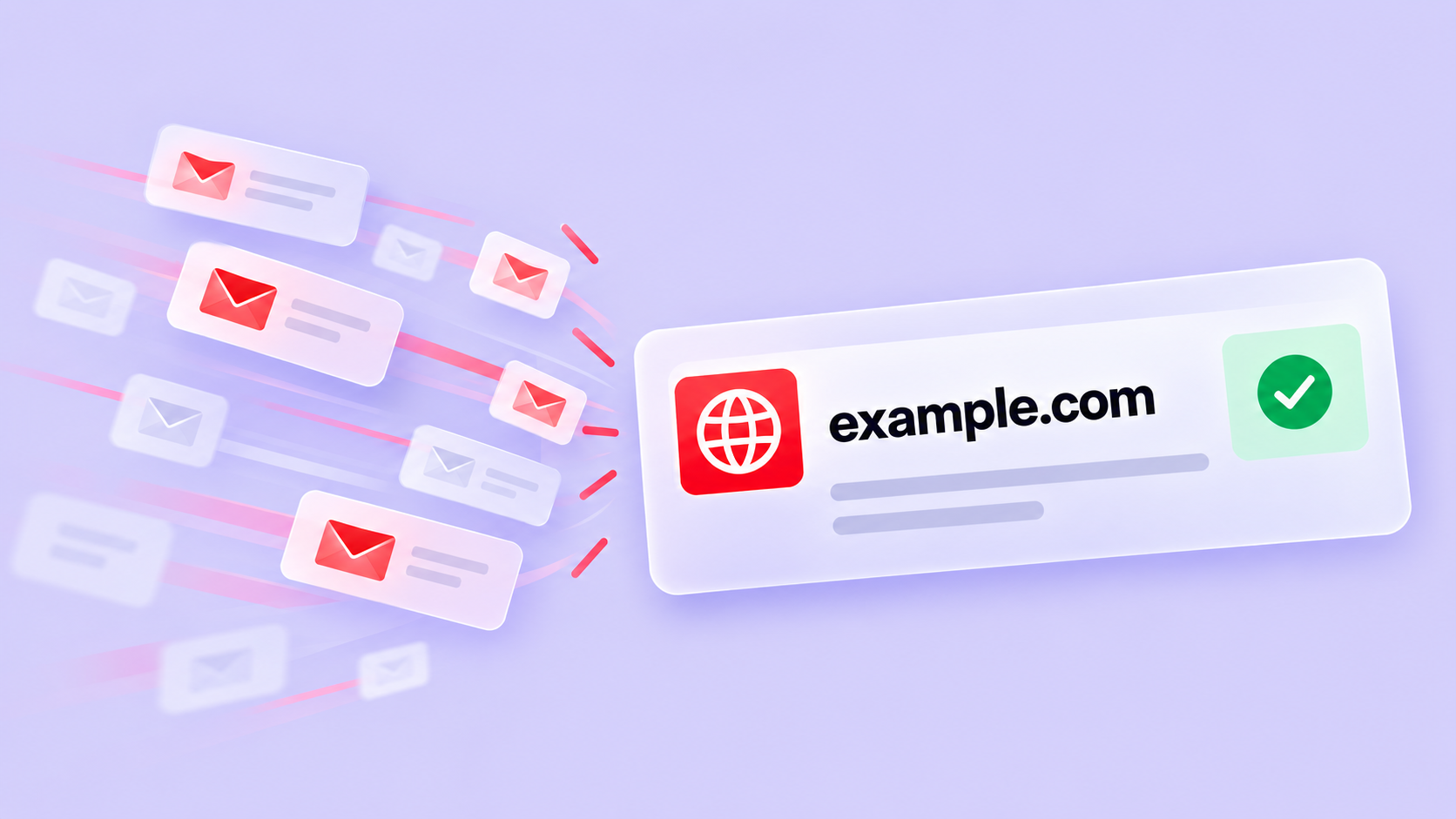
Your rules protect
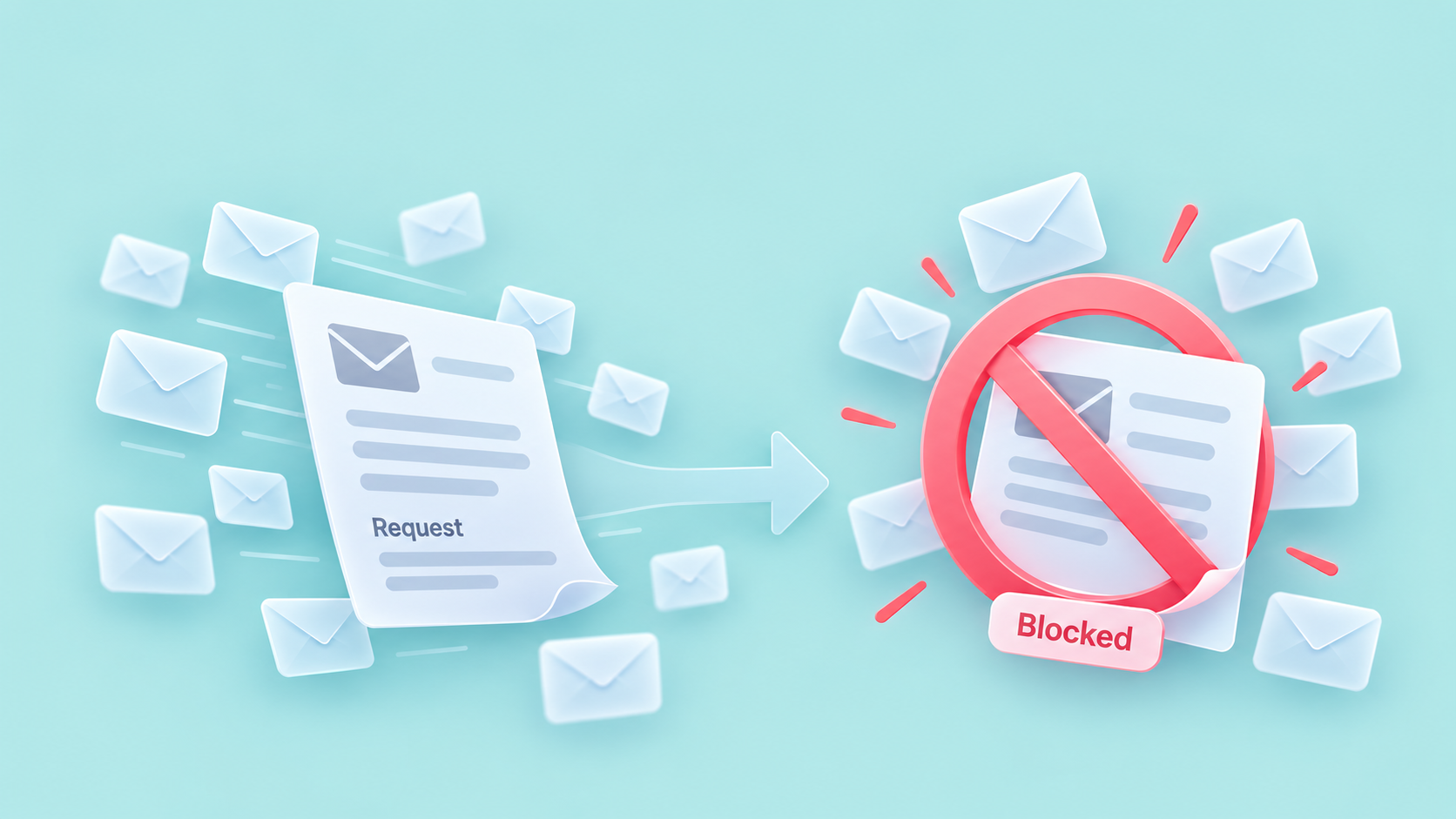
No unsubscribe chase
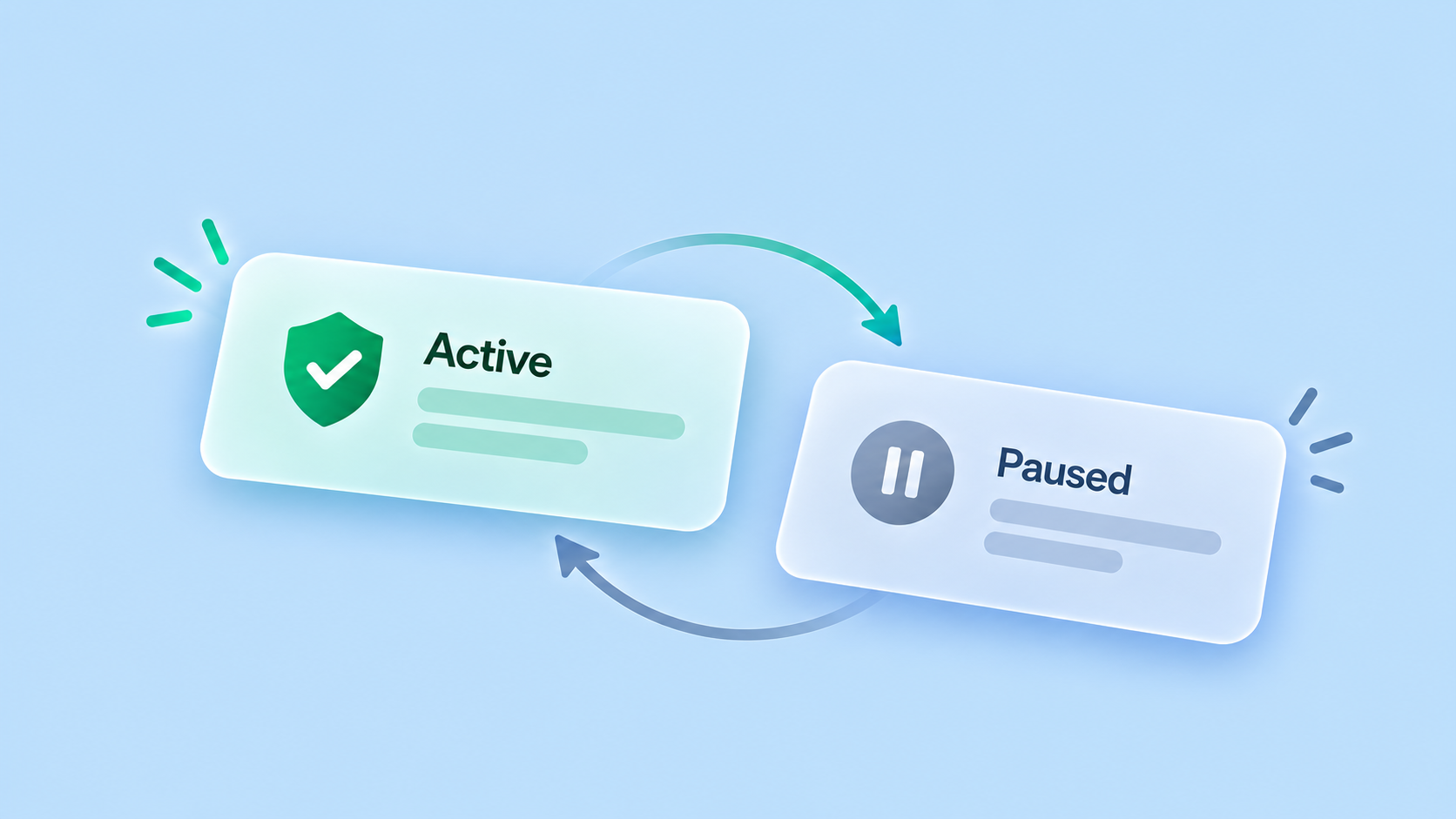
Change your mind
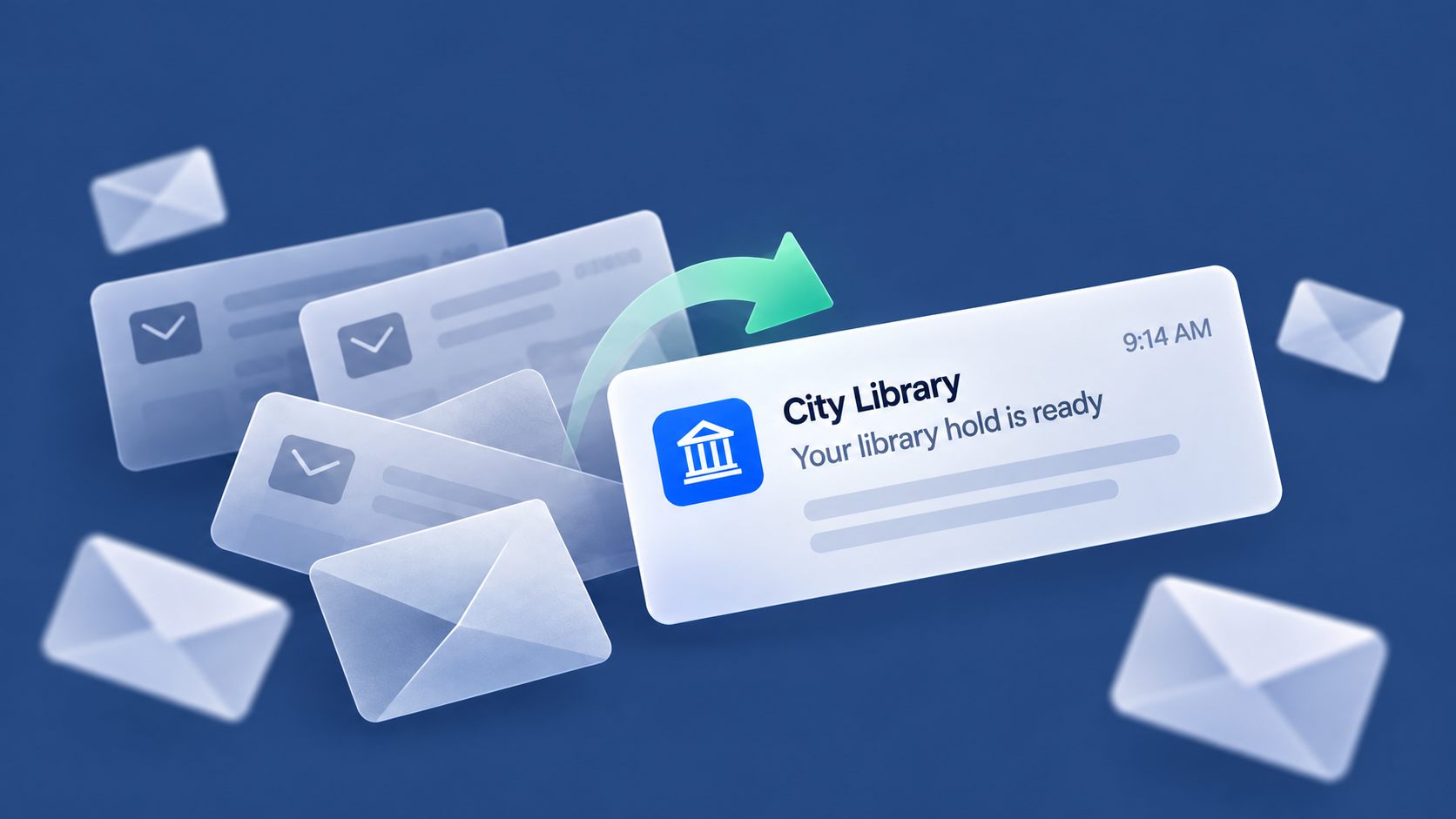
Keep what matters

Ready to stop unwanted mail?
Keep your email address and the mail app you know.