

Your mail app stays.
Your address does, too.
InboxPeace adds a personal firewall to the email you already use.
Familiar names. A quieter connection.
Choose your provider to see its connection requirements and available features.
Gmail
Choose Gmail at checkout and connect instantly with your Google sign-in.
Microsoft
Connect with Microsoft. Work or school accounts may need your administrator’s approval.
iCloud
Use your iCloud email address and an Apple app-specific password. Your Apple Account needs two-factor authentication. InboxPeace uses Apple’s secure IMAP settings.
iCloud setupYahoo
Use your Yahoo email address and a Yahoo app password for the IMAP connection. Create the app password in your Yahoo account settings.
Yahoo setupZoho
Check that your plan supports IMAP and enable it in Zoho Mail. Use the server shown for your account’s region and account type. With two-factor authentication, use an app-specific password.
Zoho setupOther IMAP
If your provider supports IMAP, connect with its secure server details and password or app password. We’ll check the connection during setup.
Sender, domain and keyword rules, activity and recovery are included in every plan. Choose 1, 5 or 10 mailboxes with 7, 30 or 90 days of recovery. Your mail app stays the same.
A familiar routine. A quieter inbox.
Read, write, search and organize in the mail app you already know.
A quieter inbox. Nothing to move.
No MX changes. No mailbox migration. No new address to give everyone.


Your existing mailboxSame address. Mail delivered here.
Your familiar mail appSame inbox. Same routine.
 Authorized connection
Connection status. In plain sight.
Check protection, last sync and anything that needs your attention.
Connected. On your terms.
Review permissions before connecting. Disconnect through InboxPeace and revoke access through your provider.
Works with your routine.
Outlook.com
iCloud Mail
Yahoo Mail
Zoho Mail
AOL Mail
Native app detail
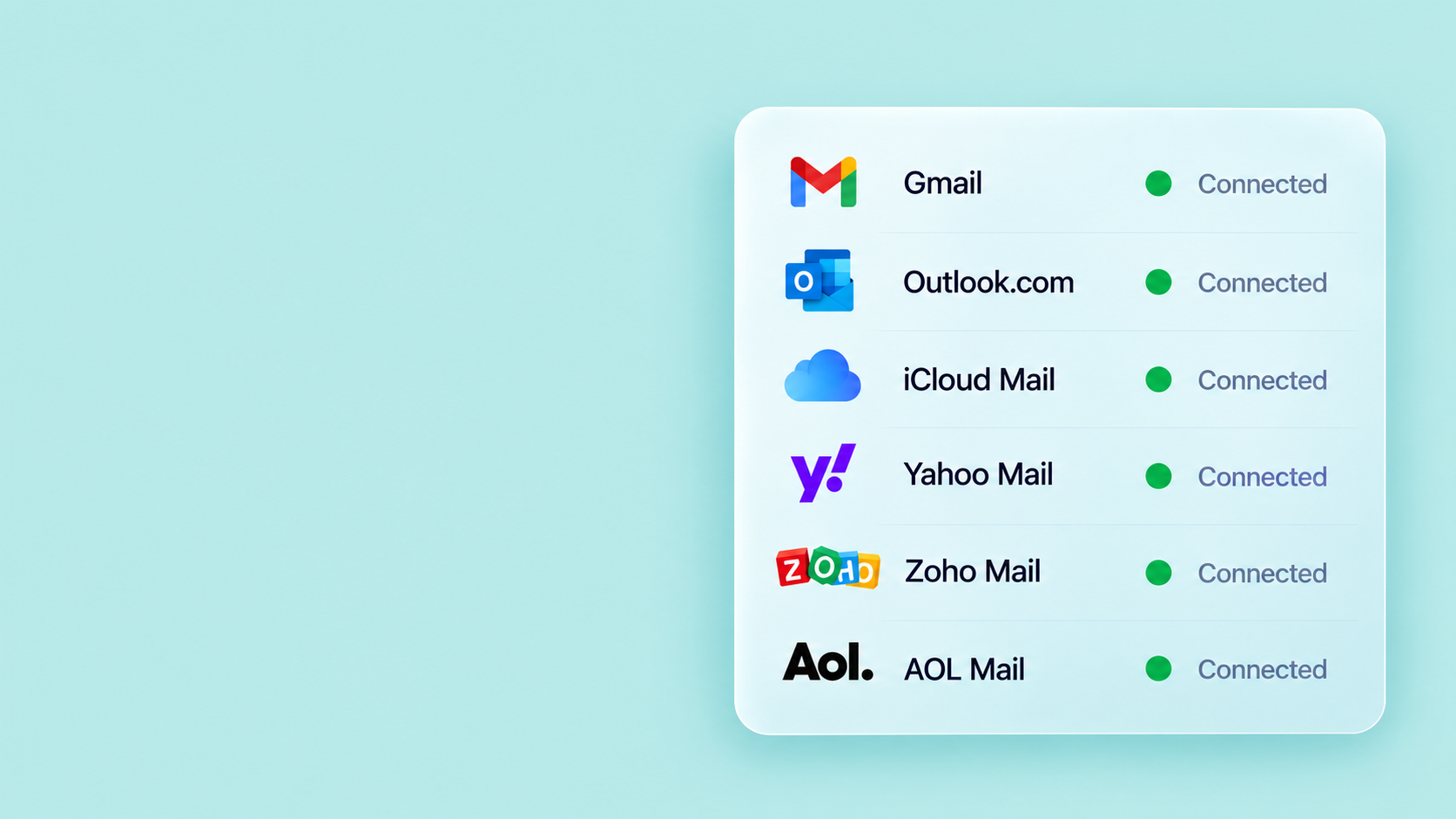
Connection status
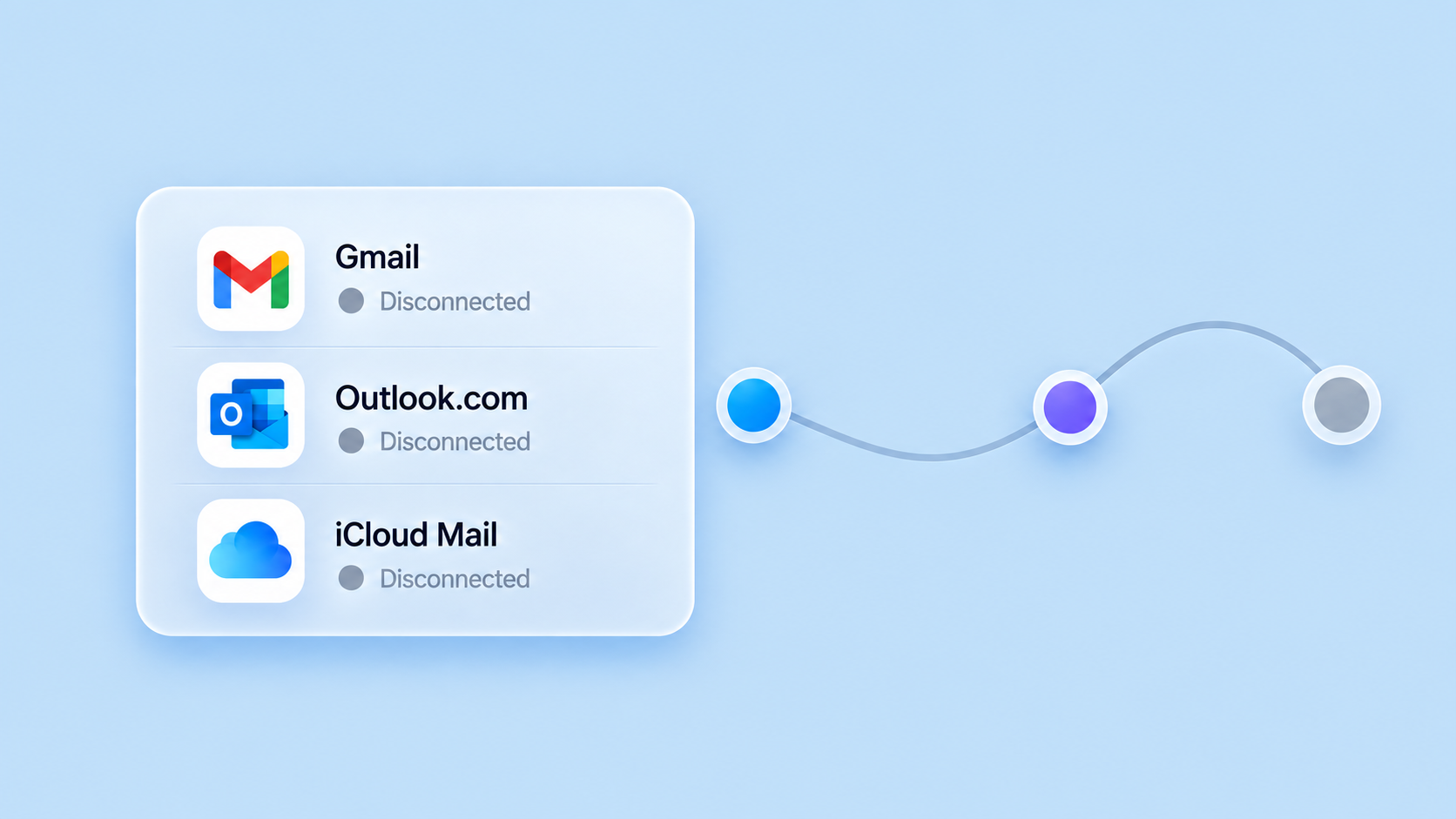
Disconnect on your terms
Your address stays yours
Keep your familiar app
Connect. Pause. Disconnect.
Questions, answered.

Where do you get your email?
Choose your email service above to see what you need to connect. Then compare plans on Pricing.