

Standard protection
One less key to keep.
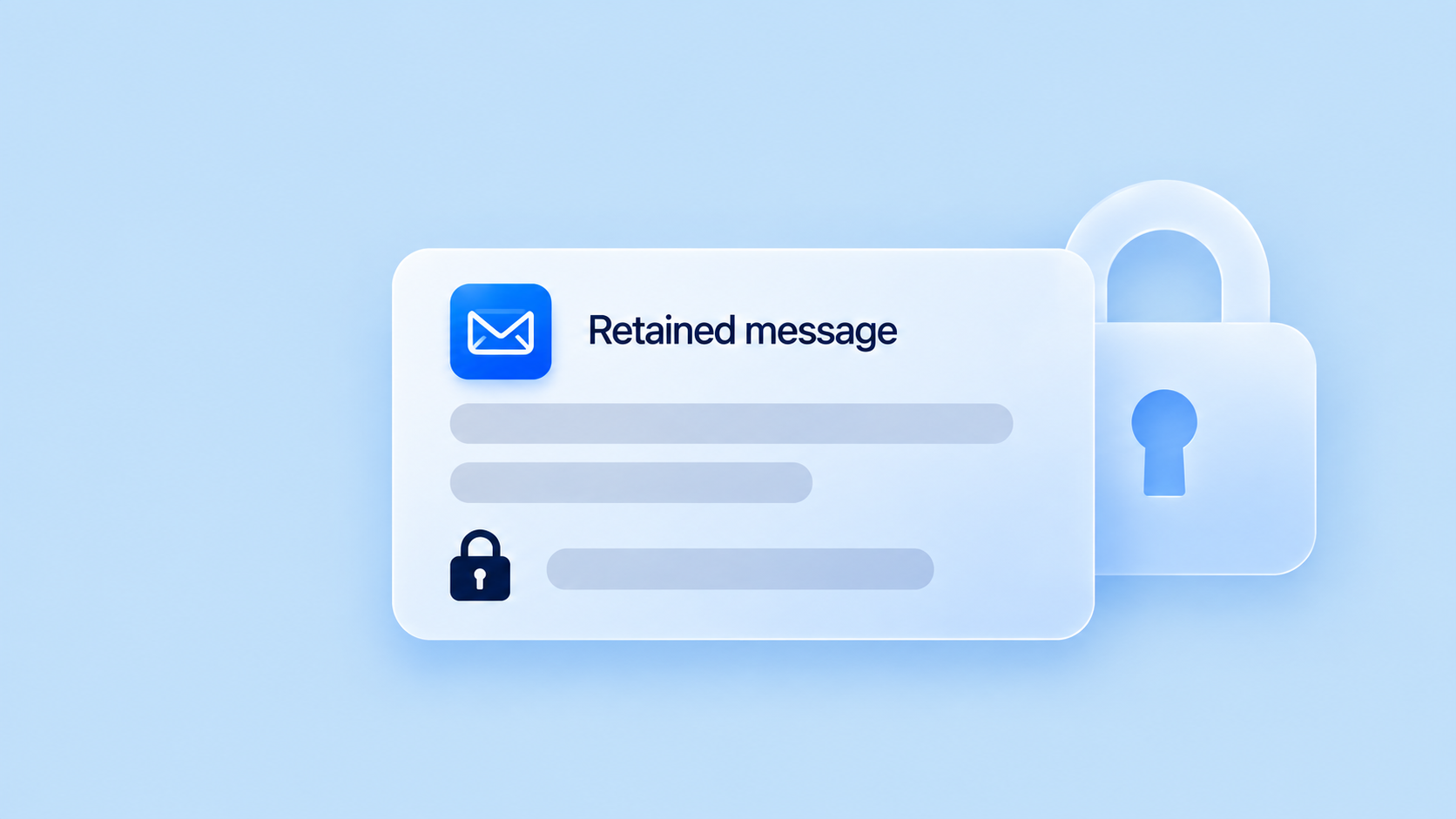
Your recovery copies are encrypted. InboxPeace manages the keys, so you can restore email without a separate recovery key.
Personal information in our database is encrypted, and all data is protected in transit. We don’t sell your personal information or email content.
Encrypted copies of held email. Two ways to protect them.
Choose in Settings. A change applies to new copies; earlier copies keep their original protection.
Standard. Authorized InboxPeace services can unlock copies to restore your email. Access is restricted and recorded.
Advanced. New keys use quantum-resistant ML-KEM-768 with XChaCha20-Poly1305 encryption. Older keys keep their original encryption. About the NIST standard
Recovery protection applies to copies stored by InboxPeace. Your provider’s mailbox and screening metadata are separate. When you restore an email, InboxPeace briefly processes the unlocked message to return it to a supported connected mailbox.
Built through live inbox testing.
Testing figures from one live inbox over 18 months, not customer totals. Time saved assumes 30 seconds per message.
Personal information in our database is encrypted. Your mailbox permissions control access.
Stored email addresses, senders, domains, keywords, subjects, email metadata and recovery copies are encrypted. Your email provider continues to host your mailbox.
You choose what InboxPeace can access, and you can disconnect anytime.
Connection tokens and app passwords are protected as secrets. Do not include passwords or private mail in a support request.
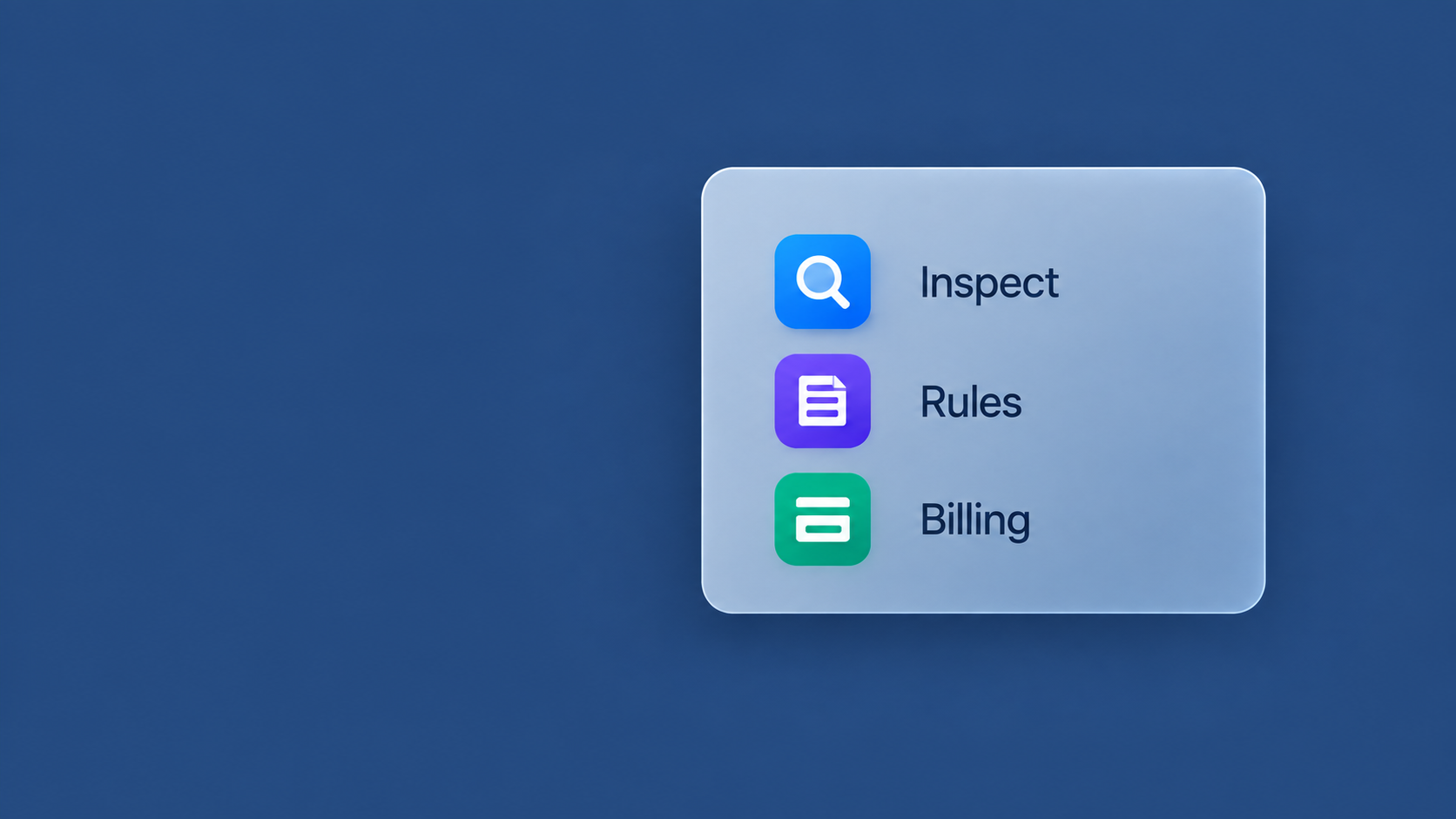
Separate permissions for mailbox access, rule changes and billing.
InboxPeace requests the permissions needed for the features you use.
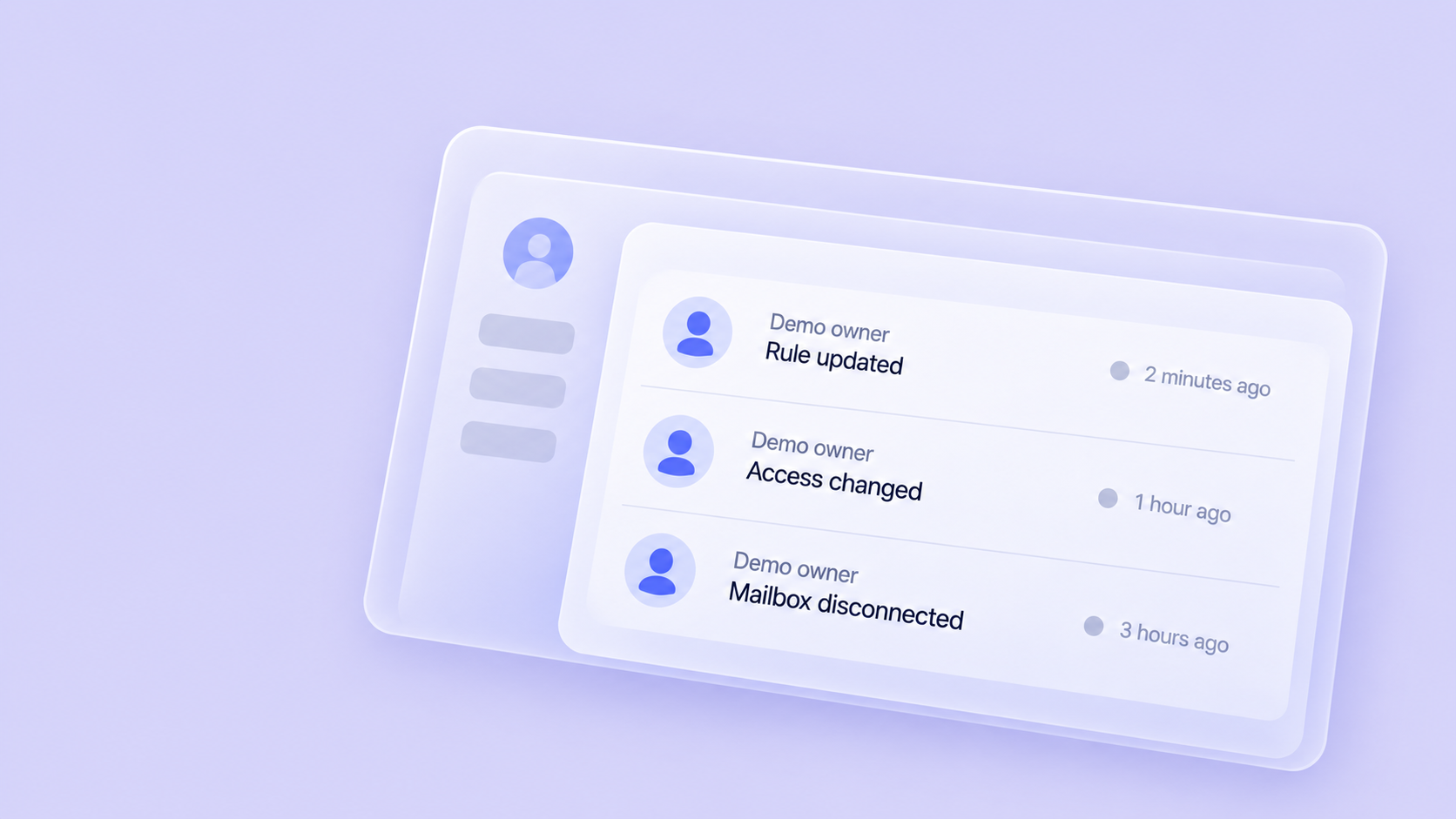
Account and mailbox permissions are enforced across the service—including background processing, recovery and exports.
Team members receive specific permissions. Giving someone billing access does not give them permission to change another person’s rules.
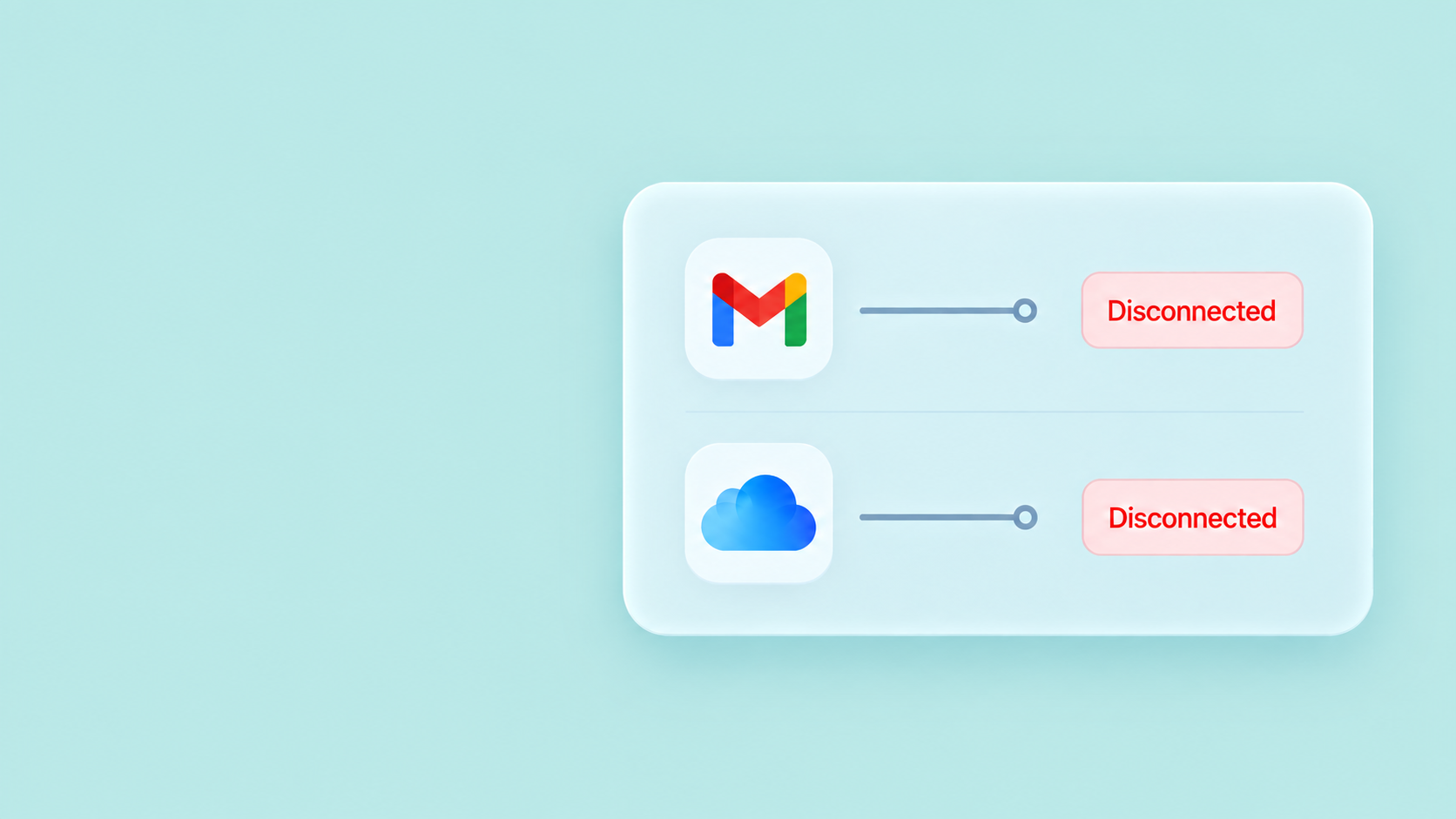
You can disconnect InboxPeace and revoke provider authorization.
Understand the controls and ask about your requirements.
Account isolation, mailbox permissions and confirmation of sensitive actions are separate safeguards.
Use the security contact form to report suspected vulnerabilities. Describe the issue without including passwords, private messages or another person’s data.
Recovery windows and personal-information controls.
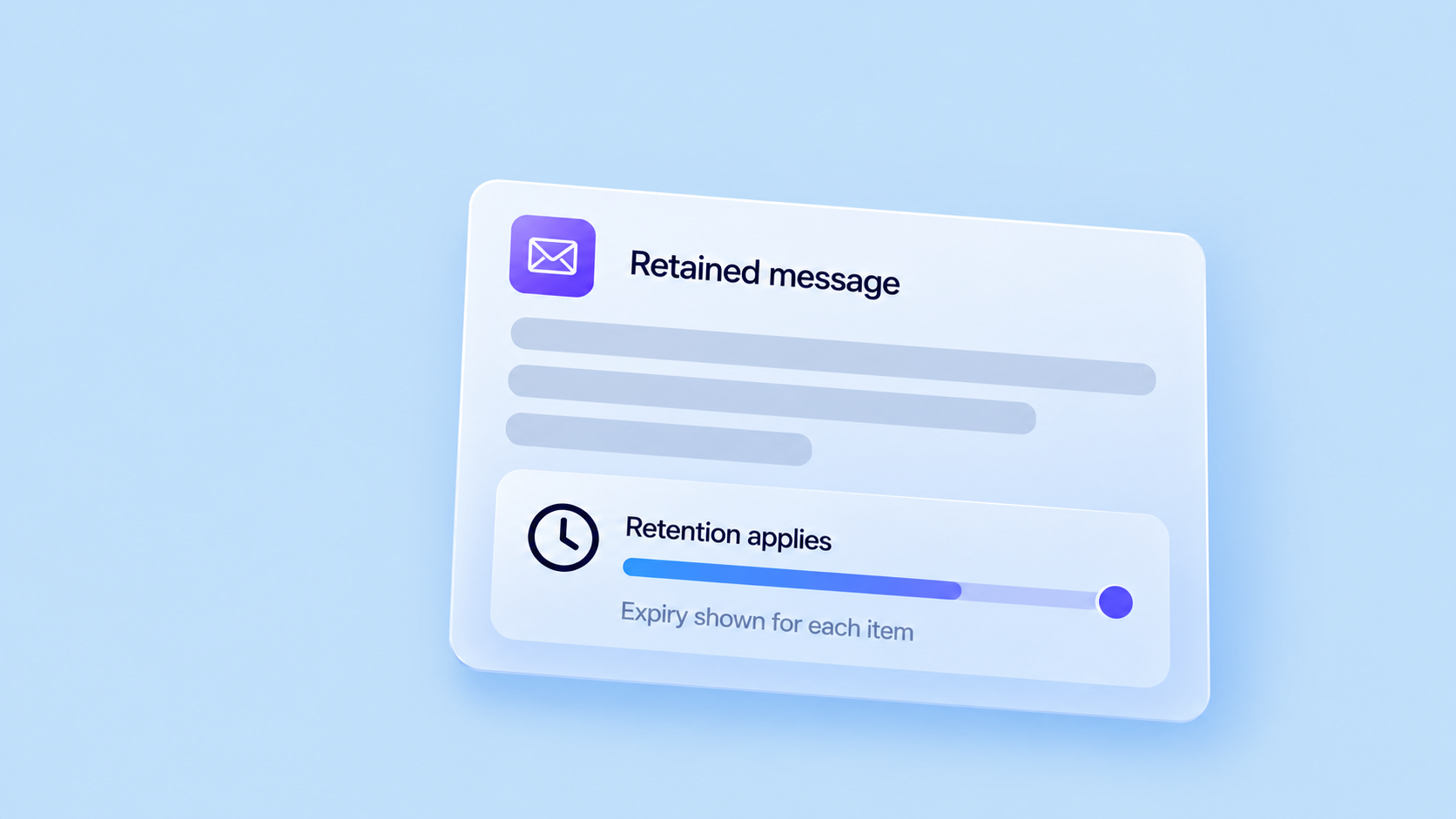
Recovery windows are 7 days for Peace, 30 days for Control and 90 days for Shield.
Account, billing and operational records serve different purposes and do not all follow the recovery window. Use the privacy contact form for questions about retention or deletion for your account.
Our Privacy Policy explains the information processed and your controls.
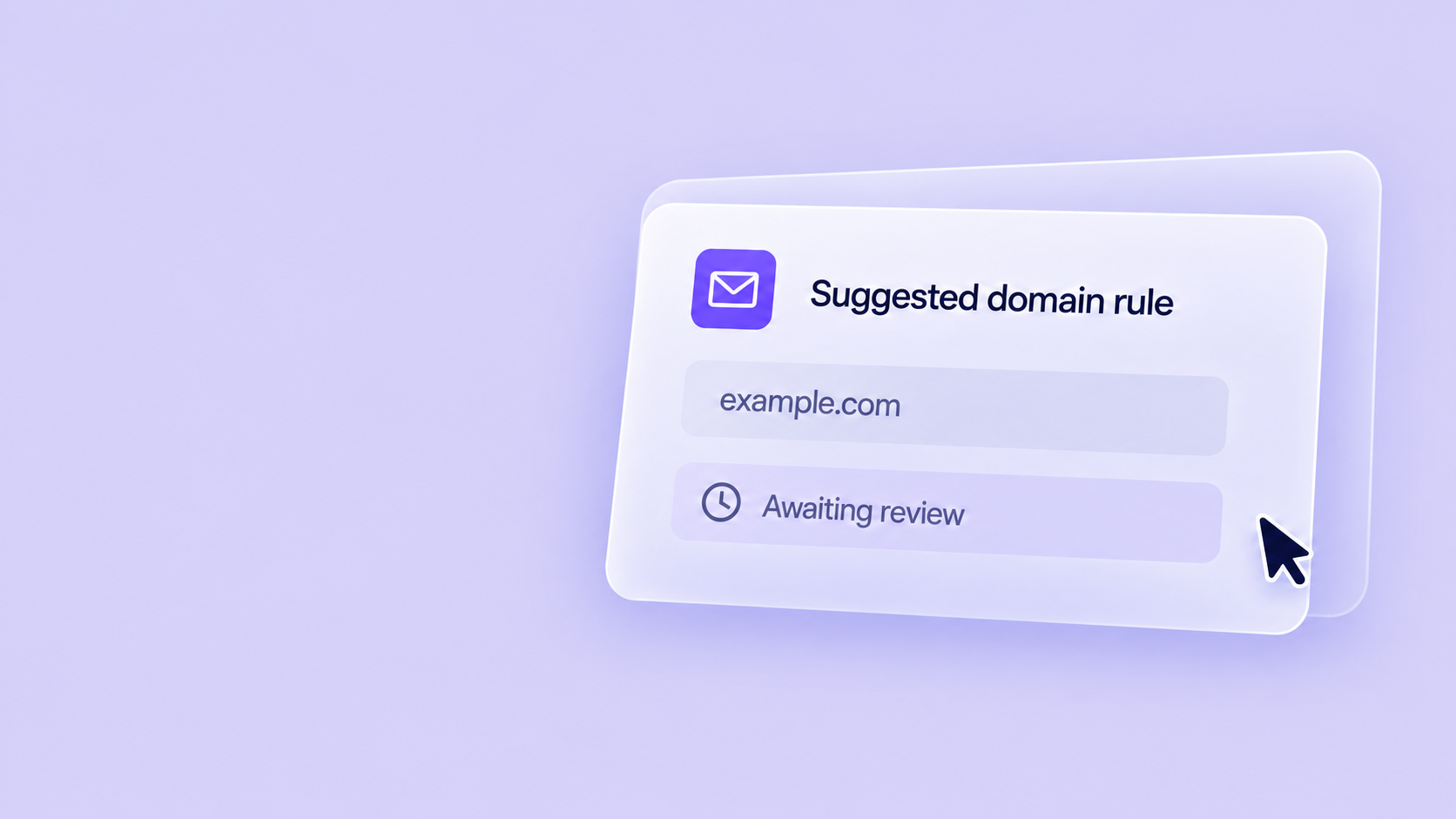
AI can recommend a rule. It cannot silently change the rules you chose.
See how it worksWe do not sell your personal information or message content.
Our Privacy Policy explains what InboxPeace processes, which service providers are involved and how to manage access and deletion.
Read the Privacy PolicyInboxPeace applies your rules through your authorized provider connection. Keep your address and familiar mail app.
Recovery copies follow your plan's 7, 30 or 90-day window.

Ask our team about privacy or security.
