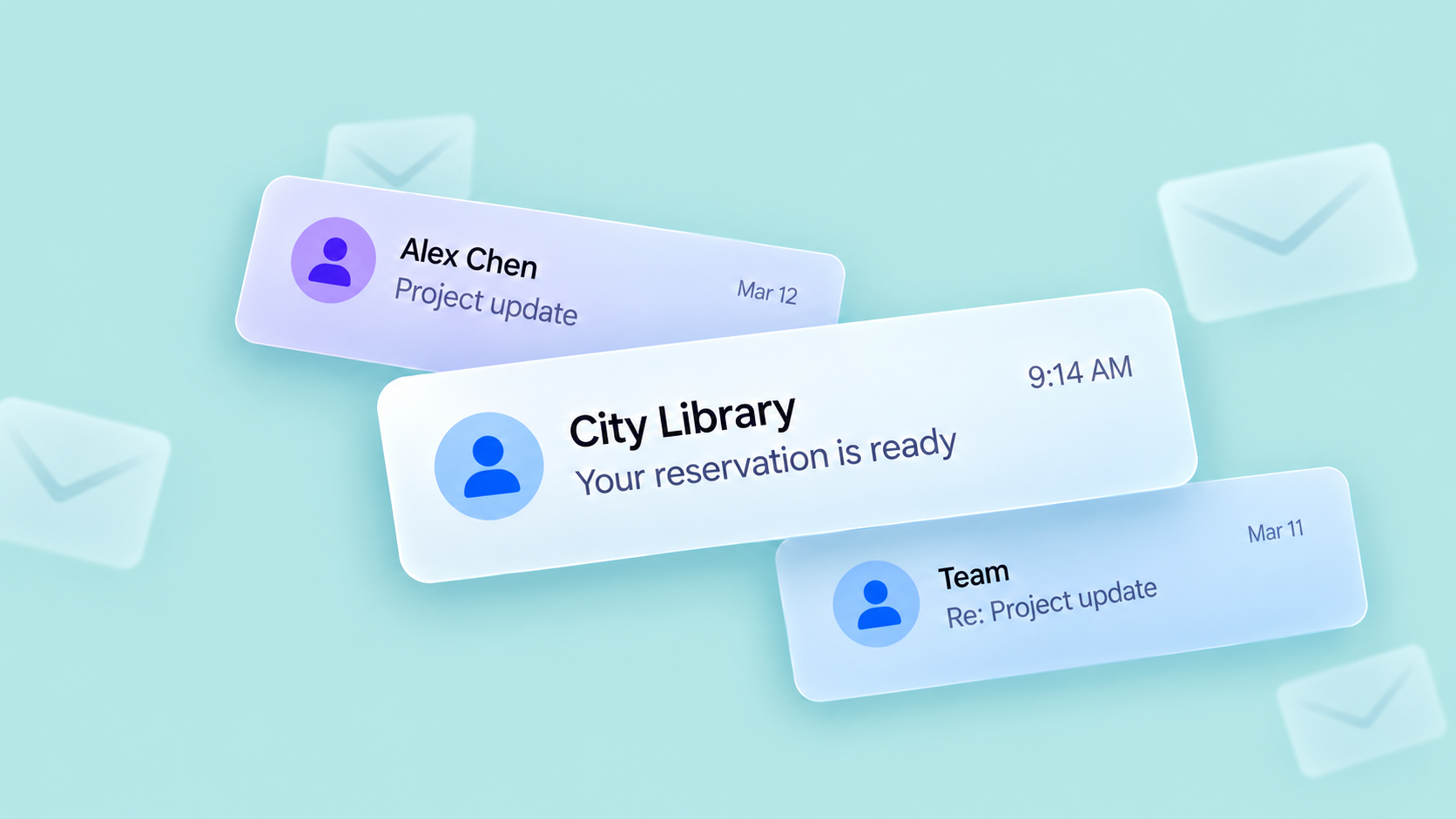
Make the choice once.
Your rules keep working. You keep using your email.
Connect your mailbox, choose what to block and keep using your email as usual.
Connect. Carry on.
Connect your existing mailbox. Keep your address, your provider and your familiar mail app.
Right in your mail app.
Drag a message to InboxPeace Block. Keep going with your day.
Control, in plain sight.
See your protection at a glance. Explore Overview and Insights.
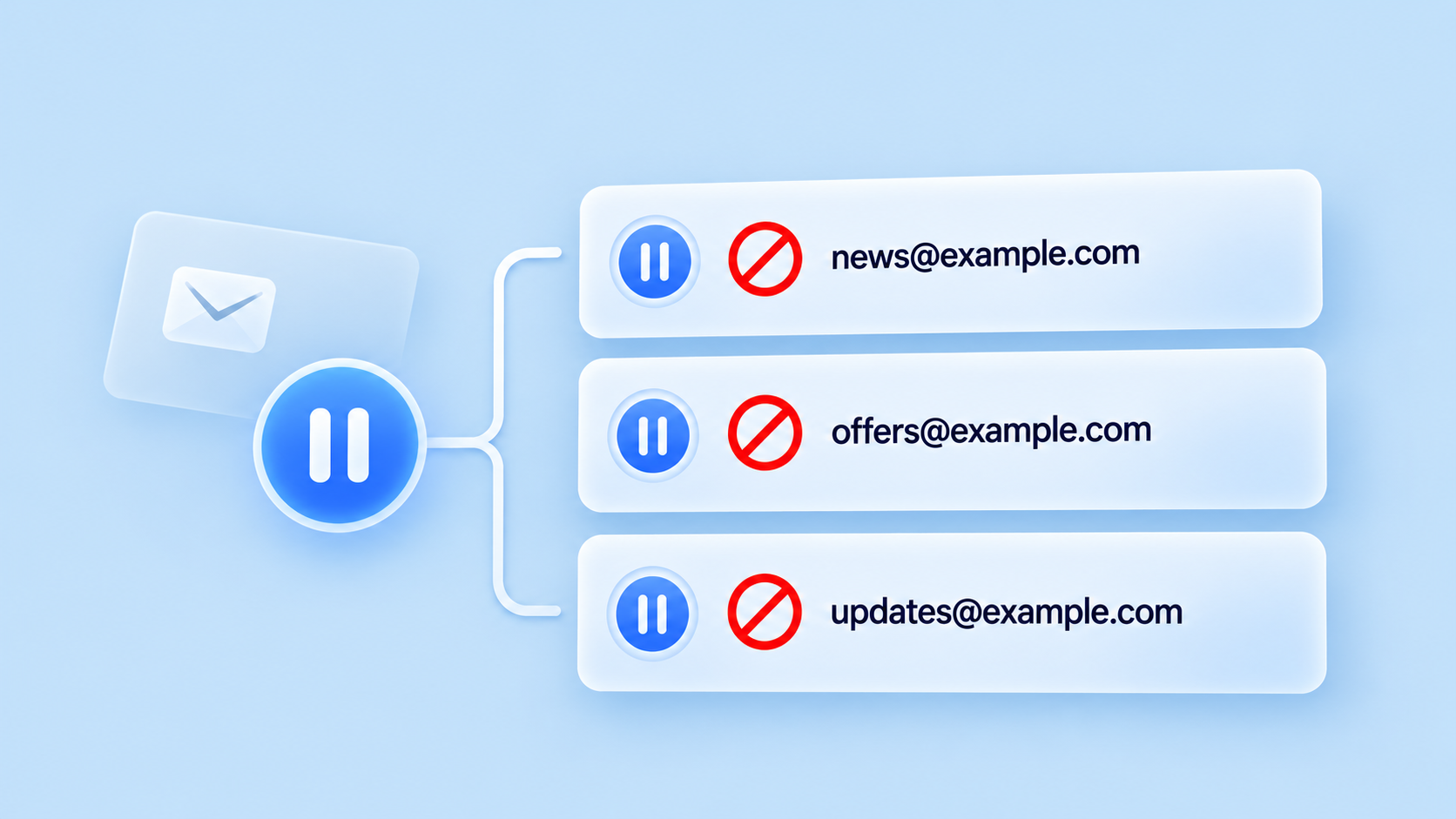
Manage one at a time—or add and remove rules in bulk. Less repetition. More control.
New address. Same old story.
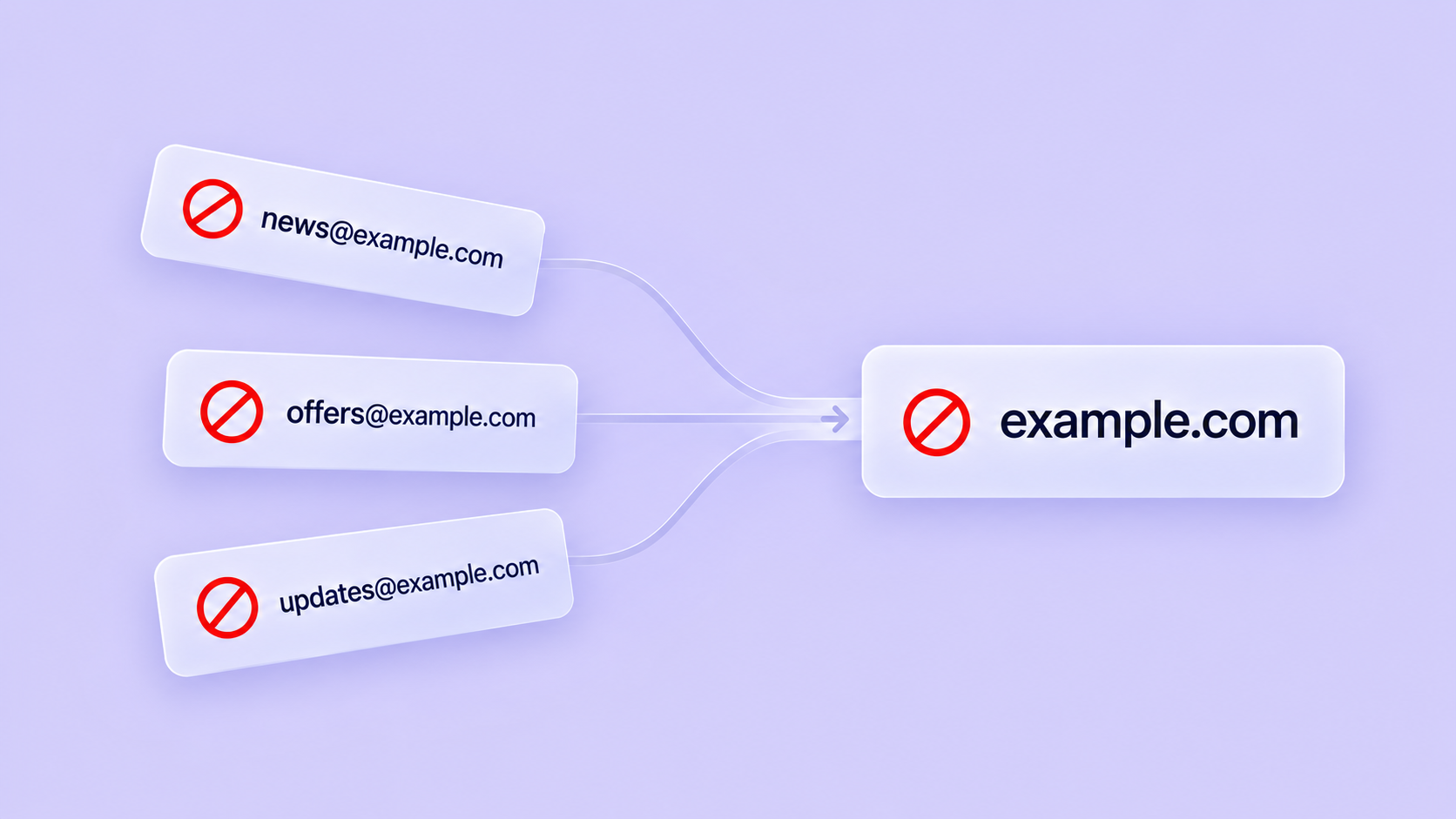
Use domain and keyword rules to catch recurring patterns. You choose what matches.
Change your mind. Change your rules.
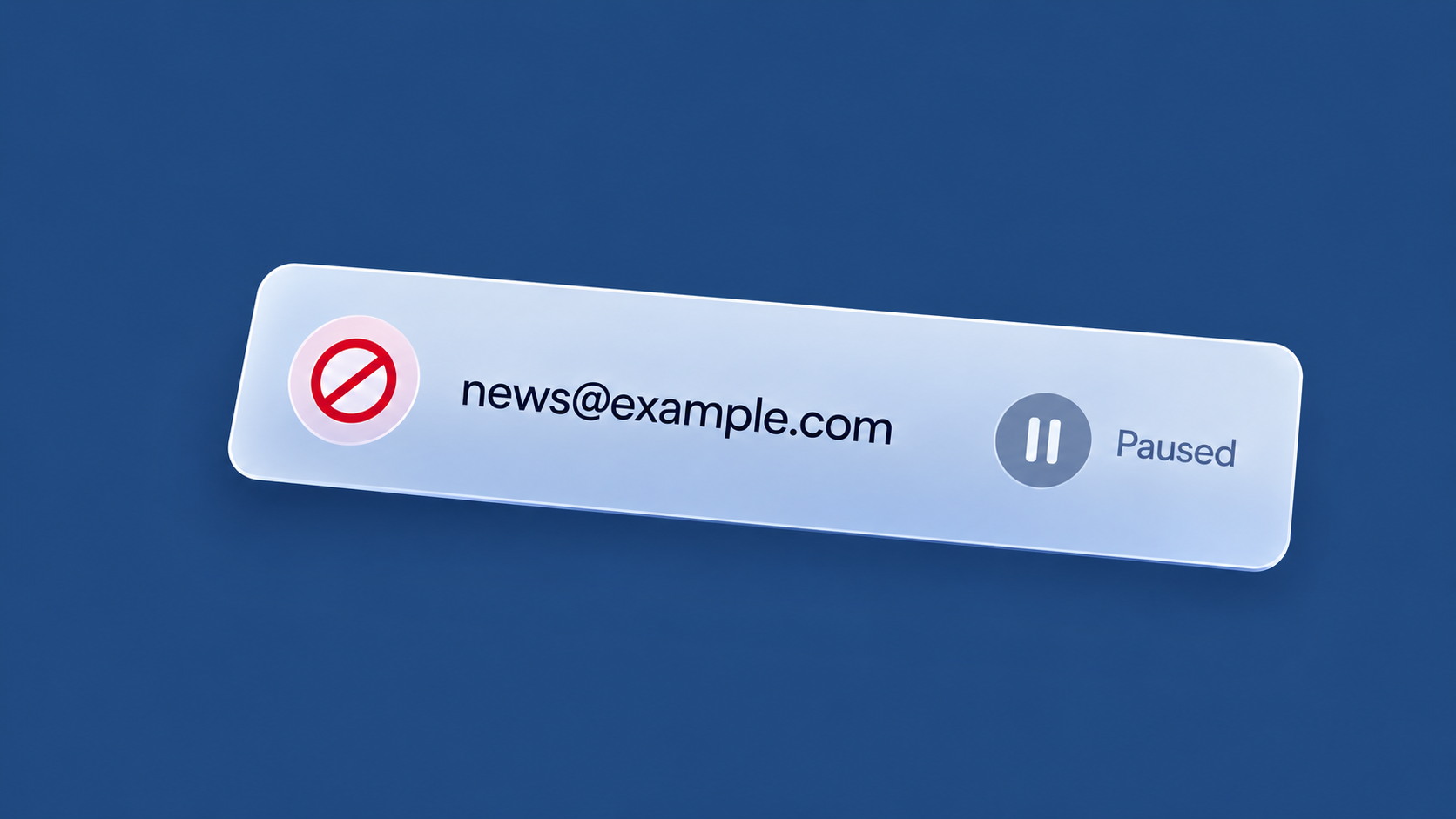
Pause a rule. Remove it when you no longer need it. Manage one at a time or in bulk.
- Create and edit rules.
- Pause and re-enable them.
- Delete rules you no longer need.
- Enable, pause or delete several together.
- Pause or resume protection for a mailbox.
Pausing or deleting a rule changes future processing. Restoring previously blocked mail is a separate action.
A second opinion. Your final say.
See what AI found and the rule it proposes. Review the details before anything takes effect.
AI can examine sender reputation, threat intelligence and repeated subject patterns to suggest a rule.
Nothing changes until you approve.
See what happened. And who changed what.
Mailbox activity records processing events. Audit logs record changes to your controls.
Search your activity history or narrow it by time.
Filter and export the audit log to review who changed a rule, permission or connection.
The right controls. In the right hands.
Give each team member the mailbox permissions their role requires.
Set mailbox permissions for reviewing activity, managing rules and accessing billing. Change access when responsibilities change.
Bring back the one that matters.
Restore a blocked message within your recovery window. Leave the rest masked.
Reveal the details you need and restore the message.
Step 1 of 9 · Connect
Connect. Carry on.
Connect your existing mailbox. Keep your address, your provider and your familiar mail app.
Preparing demonstration…
More ways to stay in control.

Catch a keyword
Manage rules together
Pause a rule

Find it faster
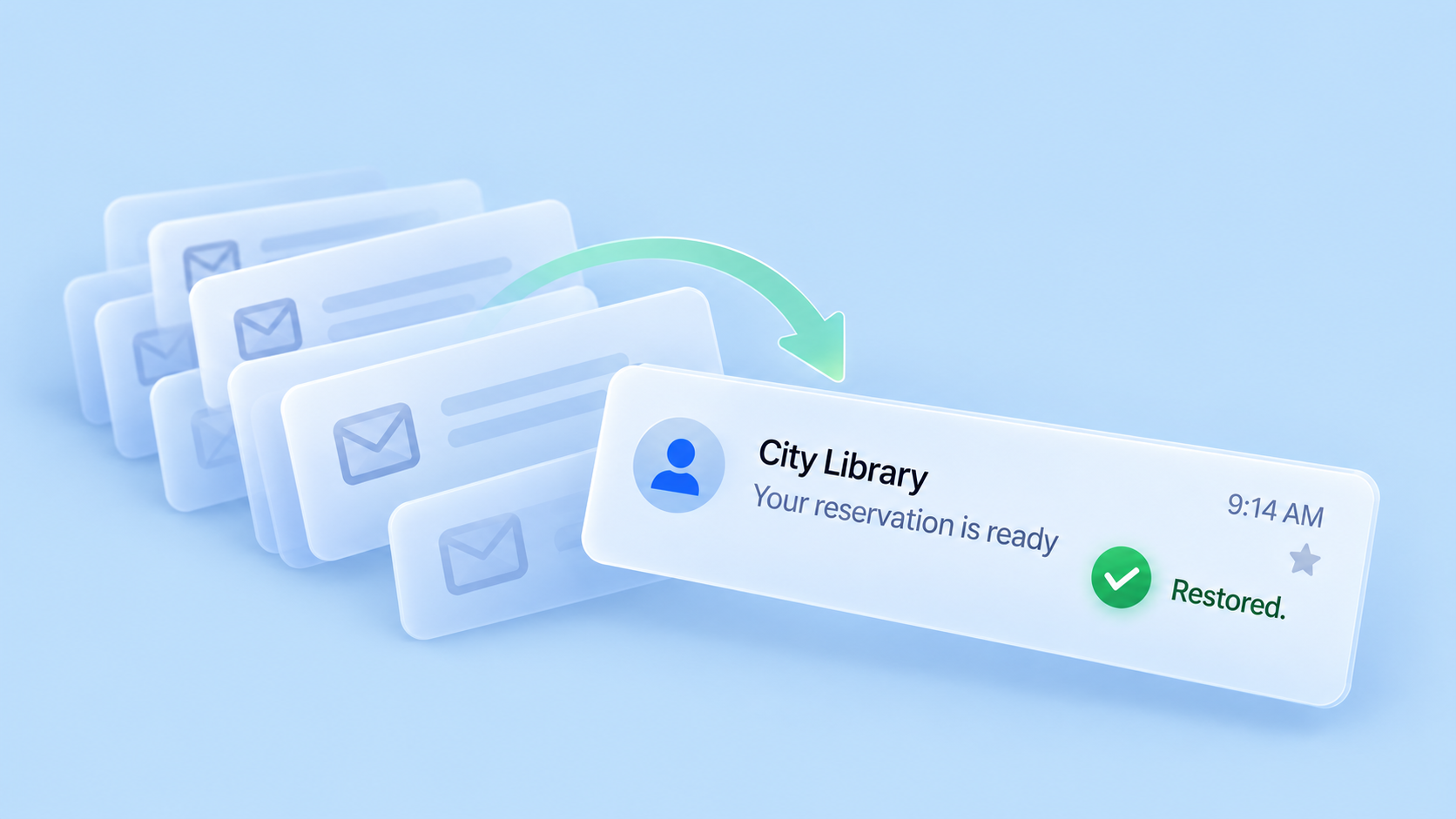
Recover one message

Set it and forget it
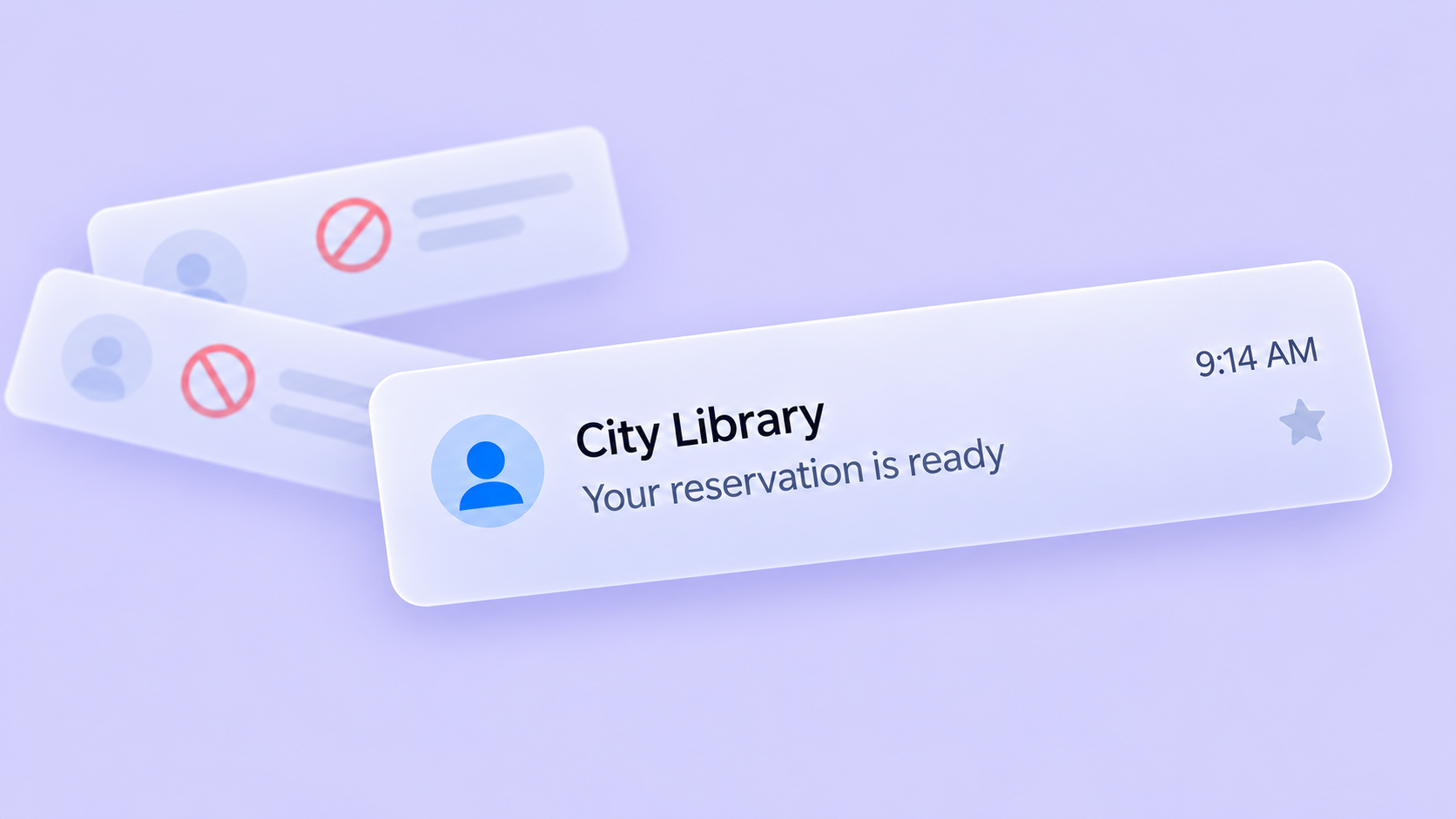
Keep what matters