

You want to buy something. You do not want the next year of promotions.
A shopping alias can help hide your real address. But if the actual problem is stopping mail from a shop you are finished with, you may not need a different address at all.
Choose the job you need done
| Your goal | A useful option |
|---|---|
| Hide your real address from a shop | A forwarding alias, such as an available Hide My Email address |
| Stop chosen unwanted shopping mail | InboxPeace blocking on your supported mailbox |
| Do both | An alias for address privacy, plus appropriate InboxPeace rules |
Scroll to see all columns.
An alias may forward into your usual inbox. It does not necessarily mean another inbox to manage. InboxPeace does not create aliases or hide your address from a shop you already gave it to.
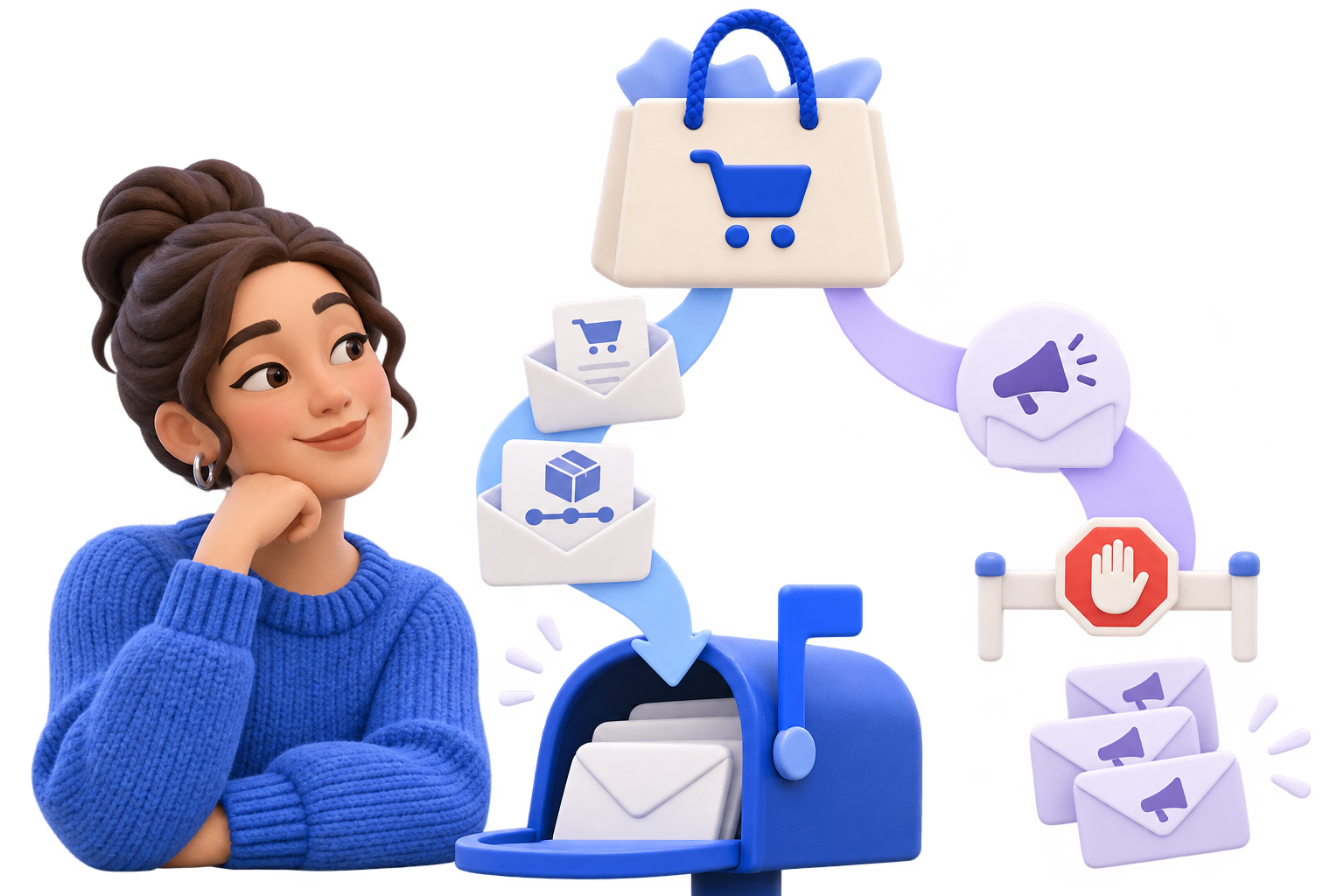
Keep the order. Stop the promotion.
Suppose a shop sends promotions from offers@shop.example and orders from orders@shop.example.
Block the promotional sender, not the whole shop domain. That condition covers the promotional address without also covering the separate order address.
Check the actual sender. If a shop uses one address for promotions and receipts, blocking it will catch both. A distinctive subject phrase can give you a narrower match.
Before switching off an alias
An alias can also receive delivery updates, refunds and password resets. Disabling it stops those reaching you too.
If you still need the shop account, update its contact and recovery details or keep the alias active. Use the provider’s official controls to manage it.
You can stop the mail without changing the address
Move unwanted mail to your InboxPeace Block folder or label to create its sender rule. While protection is active, later matches are removed through your authorised mailbox connection. You can adjust or pause the rule later.
Use an alias when you want address privacy. Use blocking when you want chosen unwanted mail handled. Neither needs to become a whole new email routine.
 See how InboxPeace works.