

A new customer. A booking confirmation. Someone your friend said would get in touch.
New senders are not always the problem. Sometimes they are exactly who you want to hear from.
A sender screener can hold unfamiliar senders for a decision. That can be useful if you want an approval barrier. It can also give you another list to check.
Count the decisions, not just the spam
Imagine 20 previously unscreened senders: 18 you want and two you do not.
| Approach | Decisions in this illustration |
|---|---|
| Review every unfamiliar sender | Up to 20 allow-or-block decisions |
| Let mail through and block the unwanted senders | Two blocking decisions |
Scroll to see all columns.
Some screeners automatically allow contacts. The extra work depends on how many unfamiliar senders you want to hear from.
But when most new senders are legitimate, reviewing each one can add work rather than remove it.
Block what you do not want
With InboxPeace, you choose the unwanted sender or supported pattern to block. You do not need to approve every unfamiliar sender to create those rules.
- Connect your supported mailbox.
- Move an unwanted message to your InboxPeace Block folder or label to create its sender rule.
- Keep using your familiar mail app. The active rule handles later matching mail through the connection you authorised.
InboxPeace removes matching blocked mail from your connected mailbox. If you need a retained message back, search recovery without revealing the whole list of unwanted senders.
Choose the boundary that suits you
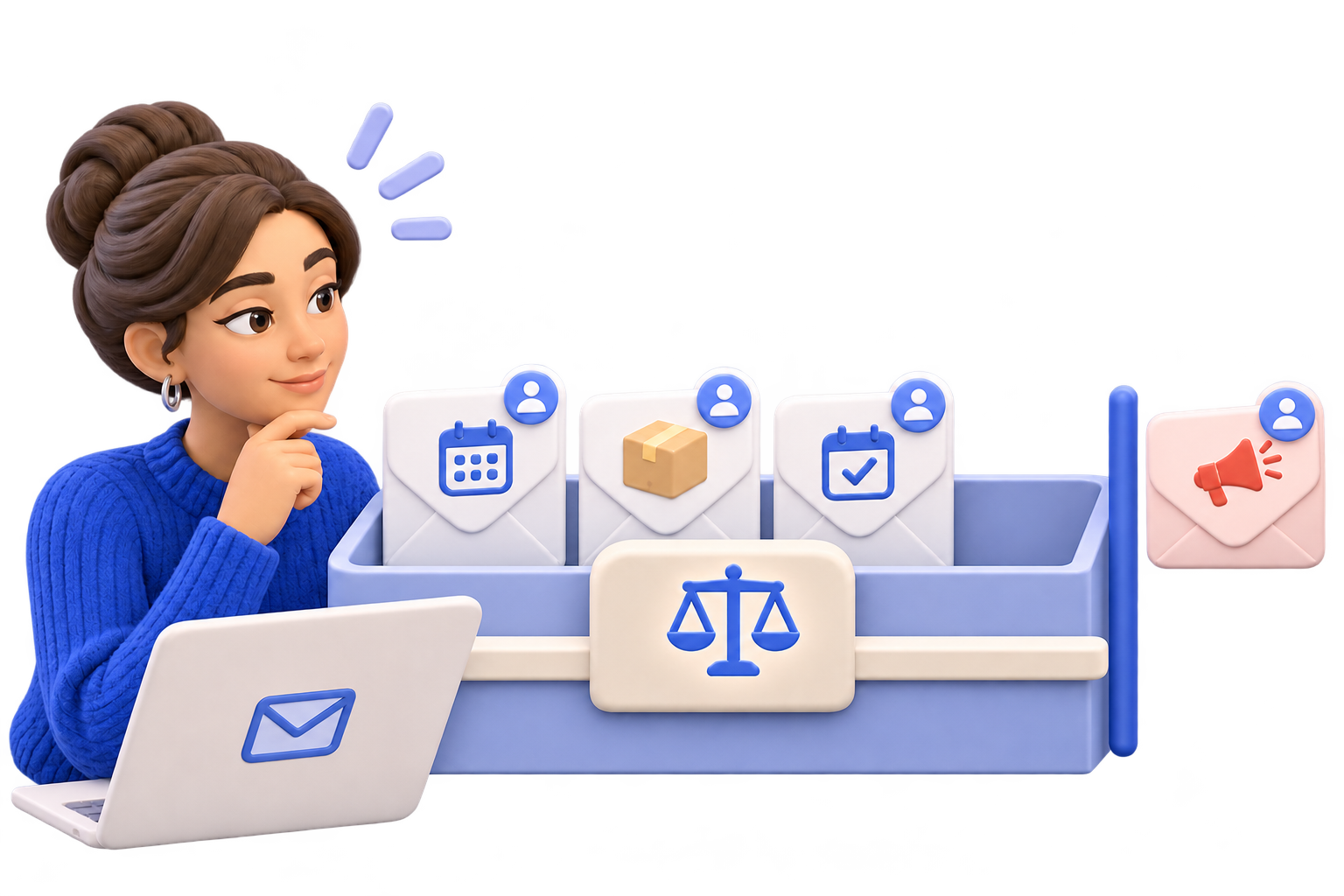
If you want to approve unfamiliar people before seeing their mail, a screener may suit you. If you mainly want certain mail to stop without adding approvals for wanted new contacts, selective blocking may be the simpler fit.
Mail arriving normally is not proof it is trustworthy. Treat unexpected links, payment requests and attachments with care whichever approach you choose.
 See how InboxPeace works.