

Your email app can do more than show your inbox. It can find thousands of messages, file them together, organise new mail automatically and bring something back when you have time for it.
Before paying another app to do those jobs, try the tools you already have.
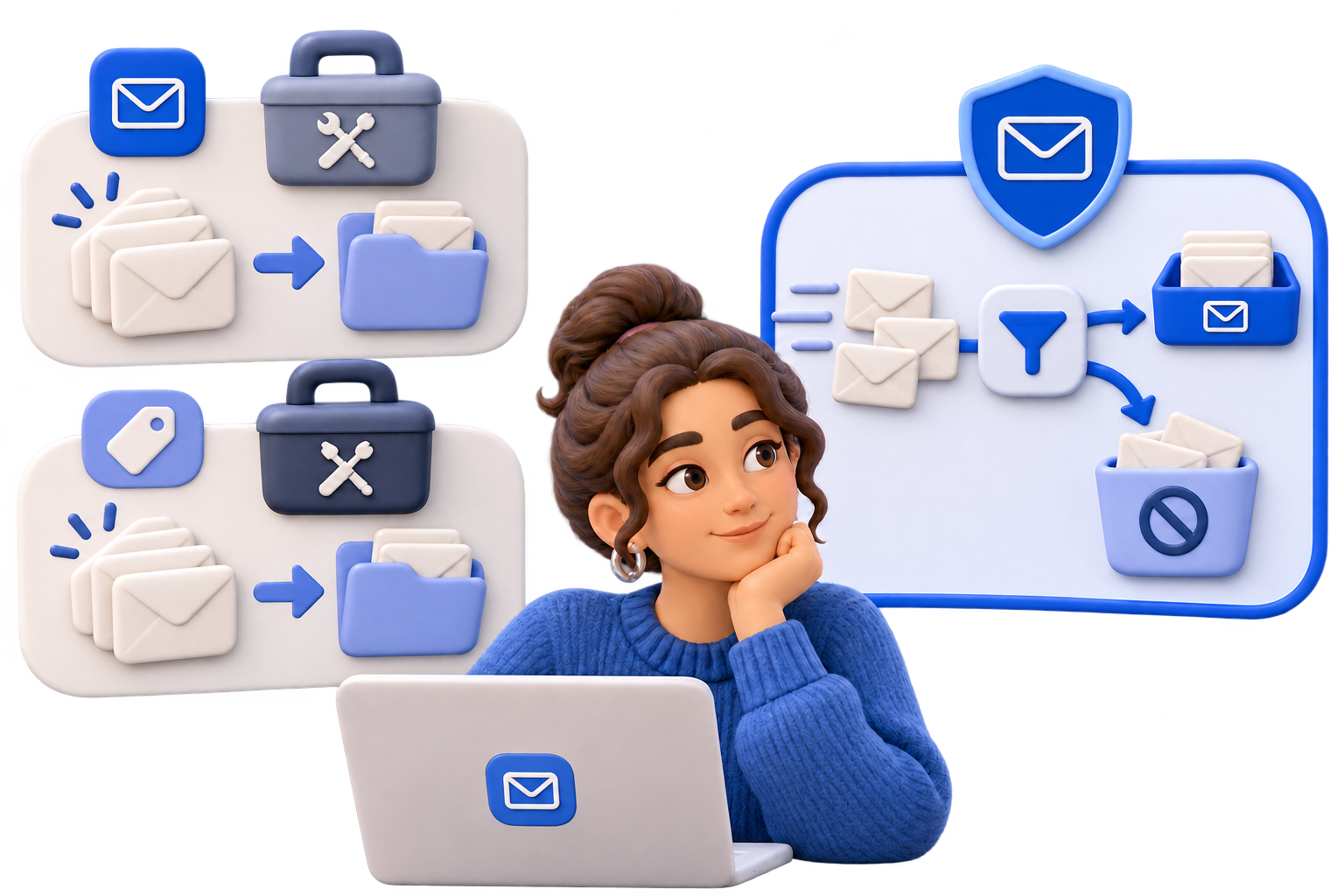
Find it. File it. Keep it organised.
| What you want to do | Gmail | iCloud Mail | Outlook |
|---|---|---|---|
| File an existing batch | Search, select the matches, apply a label and archive if wanted | Select the messages and move them to a folder | Search, select the messages and choose Move to |
| File new mail automatically | Create a filter | Create an iCloud Mail rule | Create an inbox rule |
| Come back to a message | Snooze | Remind Me | Snooze in supported versions |
| Clear old unwanted mail | Search or Promotions, select and delete | Manual deletion or Mail Cleanup recommendations | Delete a batch or use Sweep |
Scroll to see all columns.
Start with one useful job. File order confirmations, put newsletters you still read in their own place, or snooze a message until tomorrow. You do not need to reorganise your whole inbox first.
Follow the complete steps for Gmail, iCloud Mail or Outlook. Features and controls vary by app and account.
Cleaning up is useful. Facing the same unwanted mail again is not.
Deleting a batch clears that batch. Native filters and rules can also keep organising or deleting later mail. They are powerful tools.
But if your familiar block button sends unwanted mail to Junk or Trash, you may still face it when you look for something important.
Same unwanted senders. Different folder.
InboxPeace gives you a different way to handle that recurring mail. Choose a sender, domain or subject phrase to block. While protection is running, InboxPeace removes matching mail from your connected mailbox instead of leaving it in another folder.
For example, you can block a shop’s promotional address while keeping mail from its separate order address. Broader rules need more care: a whole-domain block can include receipts too.
If you need an eligible blocked message back, masked recovery lets you look for it without revealing every unwanted sender and subject.
Pay for the job you actually need
Use your email app to find, file, snooze and clean up. Choose InboxPeace when the remaining problem is recurring unwanted mail you no longer want to face.
 See how InboxPeace works.