

If you trust the genuine sender, unsubscribe can be a useful choice.
If you do not trust them—or you are tired of trying—block and skip the drama.
When unsubscribe makes sense
A newsletter you recognise. A shop you used. A service you knowingly joined.
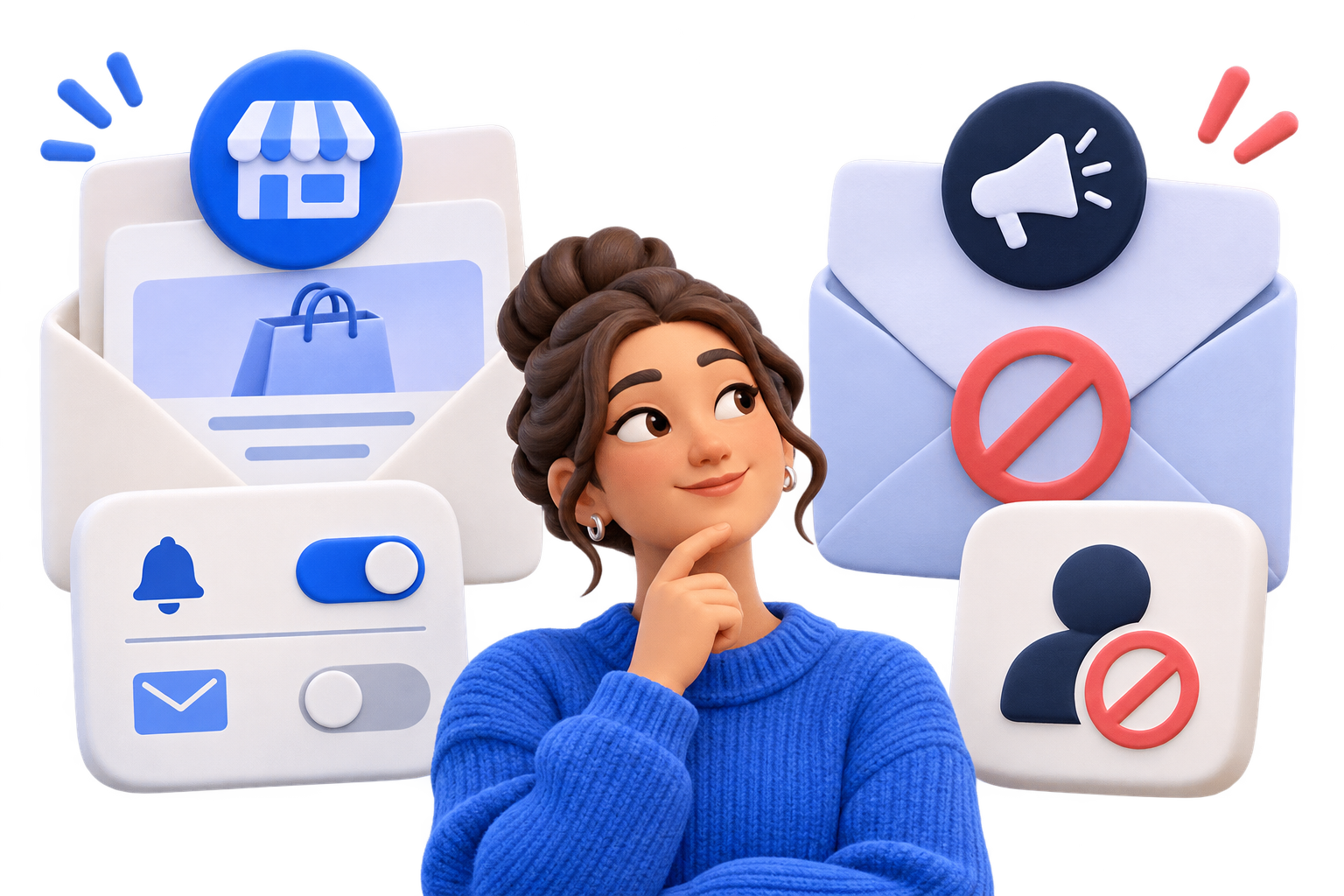
For genuine marketing from a trusted organisation, use your mail app’s unsubscribe control when available, or visit the organisation’s site directly to change your preferences.
You do not need to pay another service just to make that choice.
When to leave the link alone
An unknown unsubscribe page can be another phishing page. It may ask you to sign in, enter details or download something. A reply or interaction may also tell an unwanted sender that the address is active.
Do not click an unfamiliar link just to ask an unfamiliar sender to stop. Do not reply with your password, a verification code or personal details.
Even genuine opt-outs can become a chore: a broken link, another form, a login demand, a request that does not stick.
Block without asking the sender
InboxPeace lets you make the decision at your mailbox.
- Move the unwanted message to your InboxPeace Block folder or label.
- InboxPeace creates a sender rule.
- While protection is active, matching later mail is removed from your connected mailbox.
That does not depend on the sender honouring another unsubscribe request. It does not remove your address from their records.
Keep the useful mail
A shop may send promotions from one address and receipts from another. Block the promotional address when that is enough. Do not block the whole domain if you still need its order or security messages.
If promotions and receipts share an address, choose a more specific rule.
 See how InboxPeace works.