

You already asked them to stop.
Maybe the link was broken. Maybe it sent you to another login. Maybe the mail stopped, then came back.
You do not have to keep repeating the request.
Block and skip the drama
InboxPeace lets you make the decision at your mailbox rather than wait for another opt-out to work.
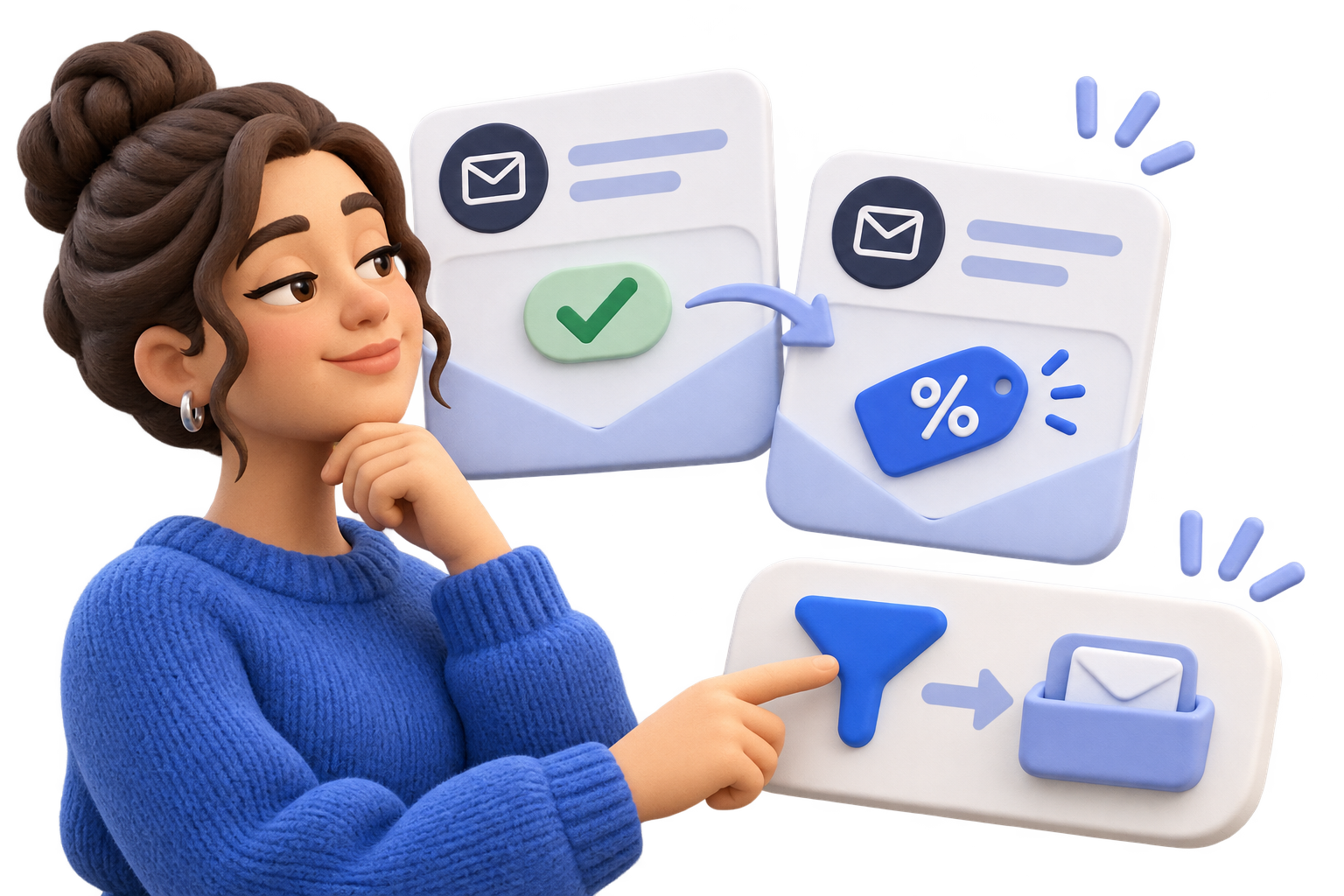
- Move the unwanted message to your InboxPeace Block folder or label.
- InboxPeace saves the sender rule.
- While protection is running, later matching mail is removed from your connected mailbox.
Your address stays the same. You do not need to open the sender’s unsubscribe page to create the block.
Why mail may keep coming
An unsubscribe may apply to one list or category. Another purchase or signup may affect the preferences. A link may fail, or the request may not be honoured.
You do not need to diagnose the opt-out before blocking the mail.
Trust the sender before following the link
For a genuine sender you trust, your mail app’s unsubscribe control or the organisation’s official preference page can be useful.
For unknown or suspicious mail, do not follow another link, reply, or enter credentials to make it stop. Fake unsubscribe pages can be phishing, and interaction may reveal an active address.
Keep the company mail you still need
A whole-domain block may also cover receipts and account notices. Start with the unwanted promotional address when that is enough.
If the address changes, a domain or distinctive subject phrase may cover the repeated mail. If the rule catches something you wanted, pause or narrow it and use recovery if an eligible copy exists.
Blocking changes what happens at your connected mailbox. It does not erase your address from the sender’s database.
 See how InboxPeace works.