

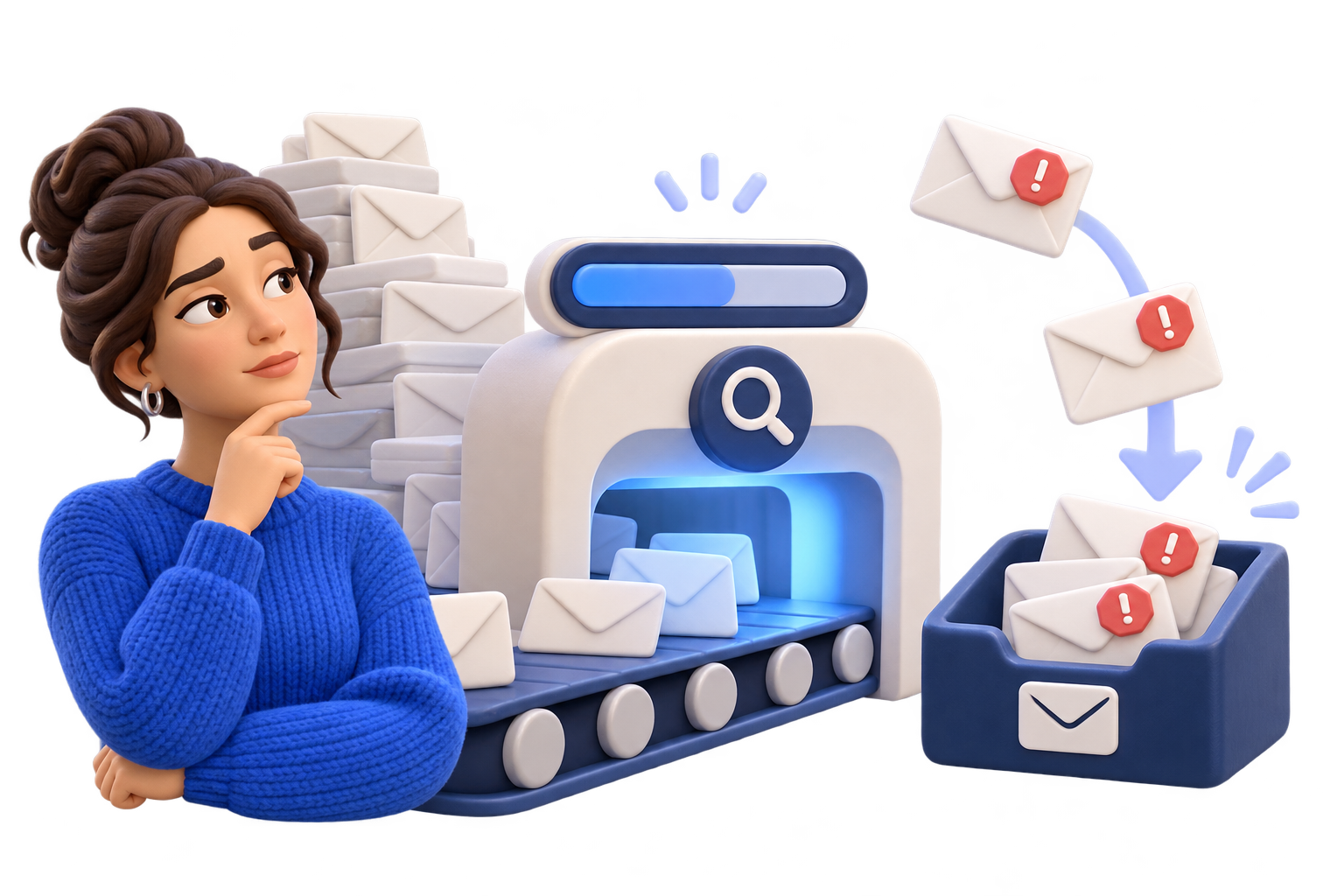
You connected your mailbox to deal with unwanted email. Instead, you’re watching a scan while more mail arrives.
Large mailboxes can take longer to scan.
Clean Email explains that large mailboxes can take longer to index, and that email providers can slow down cleanup actions. One 2025 App Store review reported analysis that never finished.
Check what is waiting.
An initial scan, a queued cleanup and an active rule are different jobs. Clean Email says initial analysis can continue after you close the app. If it appears stuck or shows a connection error, contact its support before starting another bulk cleanup.
If you need to find, file or clear old mail now, use the tools already in your email app. Follow the Gmail, iCloud Mail or Outlook guide.
Stop the mail you don’t want.
Choose a sender, domain or subject phrase to block. InboxPeace removes matching mail from your connected mailbox. Keep your email address and familiar app, with masked recovery for eligible retained messages.
Keep the connection working.
InboxPeace needs an active mailbox connection to process new matches. If you leave another connected tool, cancel its subscription and remove its mailbox access separately.
 See how InboxPeace works.