

You block one address. Another sends the same thing.
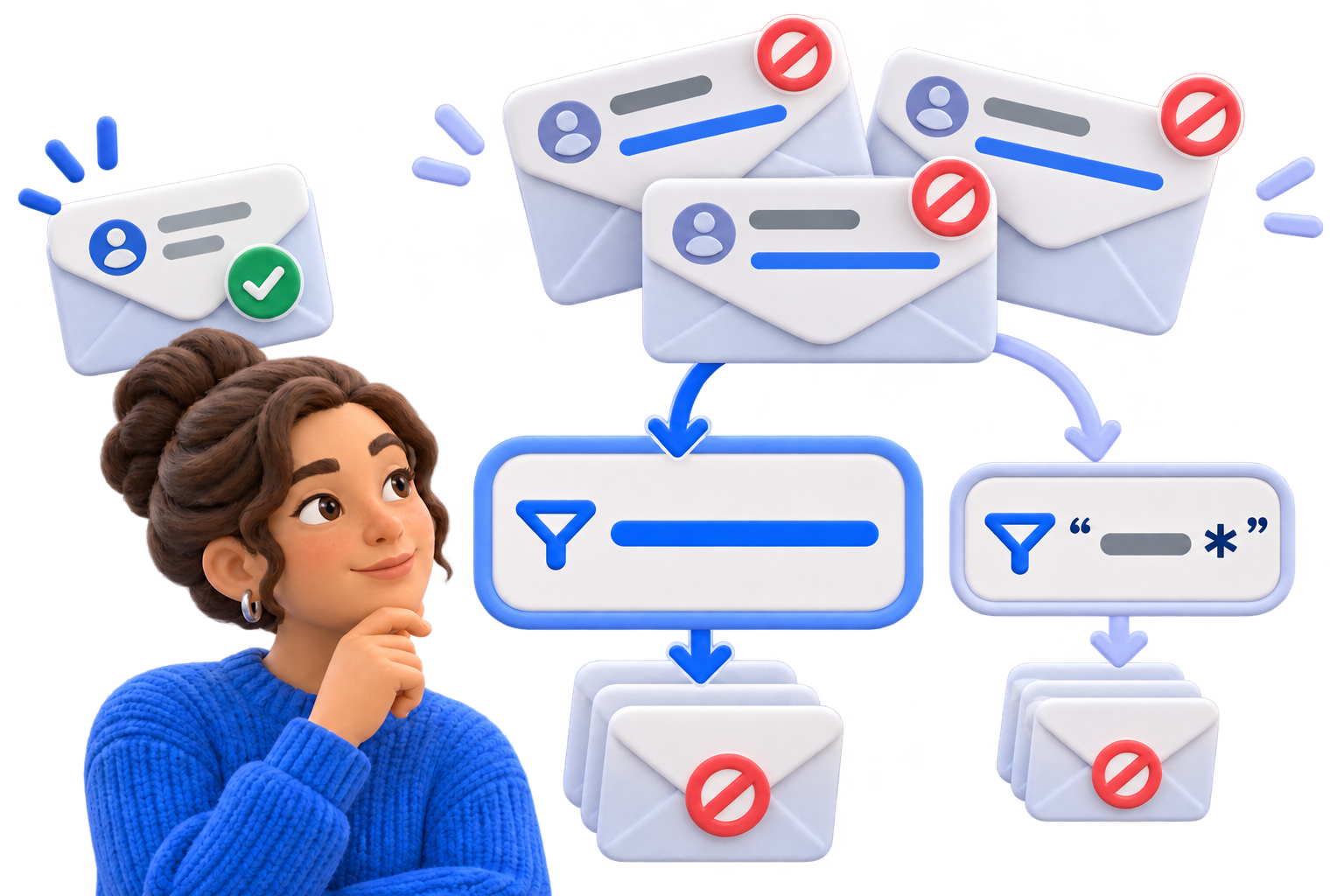
A separate block for every address can become repeated work. When the messages share something useful, an InboxPeace domain or subject rule may cover more of the wave.
Block the part that stays the same
These fictional examples show the choice.
| The unwanted mail | A narrower shared condition |
|---|---|
deal1@offers.quartz-harbor.example, deal2@offers.quartz-harbor.example and deal3@offers.quartz-harbor.example |
The promotional sender domain offers.quartz-harbor.example |
| Different sender domains, with subjects containing “Quartz Harbor weekend promotion” | That distinctive subject phrase |
Scroll to see all columns.
If both the domain and wording keep changing, you may need a new rule.
Use a wider rule when you need one
Choose a rule type available on your plan. Open the relevant rule’s menu in InboxPeace and choose Edit. For a domain block, change its scope to the intended sender domain and save. Choose Subject keyword to match words in the subject, not the message body.
Before saving, consider what else that condition covers. In the domain example, order mail from orders.quartz-harbor.example is a different domain. Do not widen the block to the whole company unless you also want that mail blocked.
A phrase such as “Quartz Harbor weekend promotion” is more specific than “payment”, “storage” or “security”. Those broad words can appear in important messages.
Keep the ordinary days simple
Use a sender rule when one unwanted address is the problem. Use a domain or subject condition when a recurring pattern needs wider coverage.
Once saved and active, the rule handles matching mail through your supported connection. You keep your address and familiar app. You can pause or change the rule later; eligible copies may be available in masked recovery.
One matching domain or subject rule can cover several changing addresses. Mail outside that condition needs a different rule.
 See how InboxPeace works.