

You need one message back—not another look through everything you blocked.
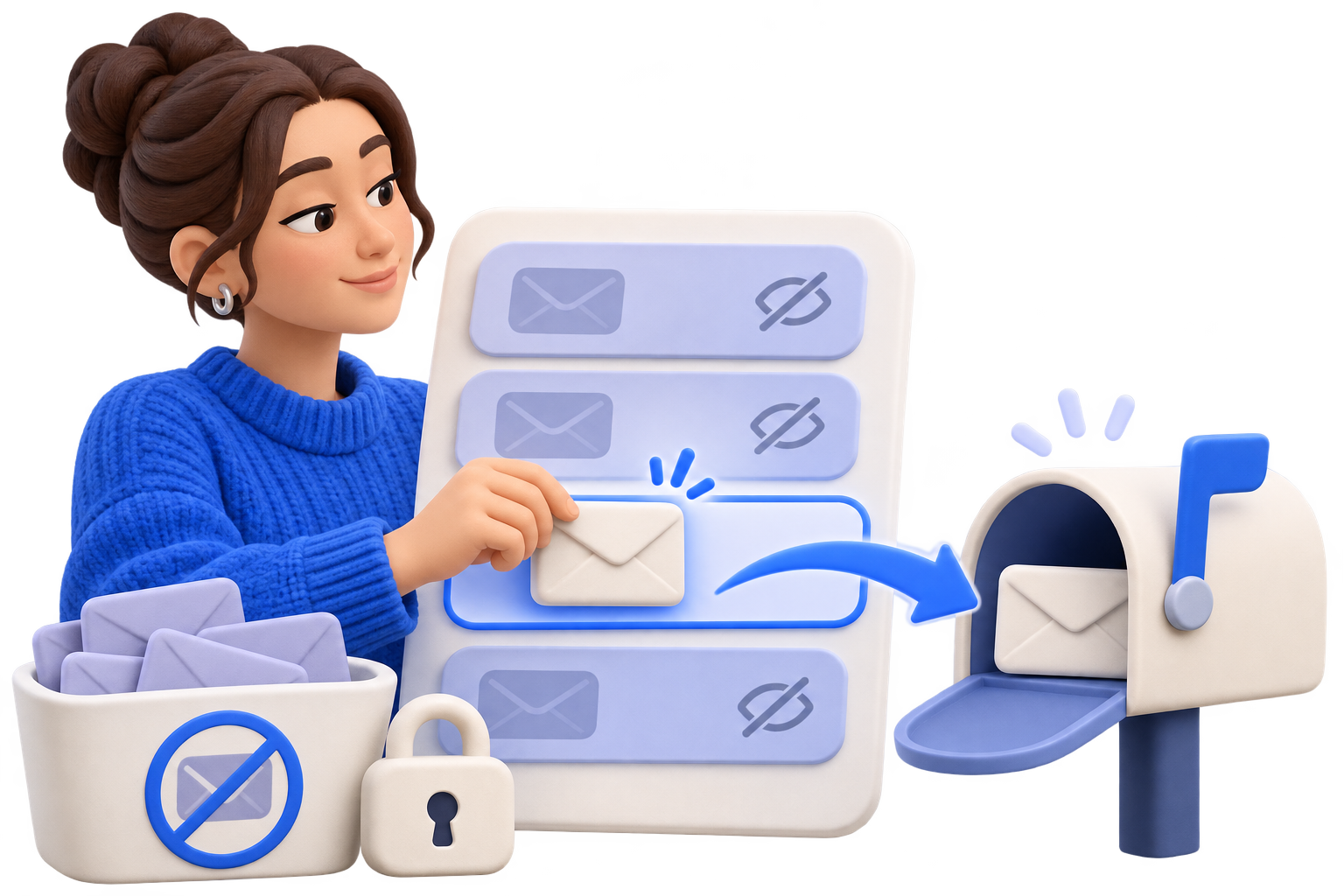
InboxPeace recovery lets you search eligible retained mail while sender details and subjects stay masked until you choose to reveal them.
Find the message you need
- Open Restore in InboxPeace, select the intended mailbox and search for the sender you need.
- Reveal the matching result to check that it is the right message.
- Choose Restore and unlock recovery if prompted. Wait for confirmation, then check your mailbox.
Revealing one result does not require you to expose the whole list of unwanted senders. Restoring the message and changing the rule are separate choices. If you want future mail from that sender, pause or narrow the rule too.
Know the window
| Plan | Recovery window |
|---|---|
| Peace | 7 days |
| Control | 30 days |
| Shield | 90 days |
Scroll to see all columns.
Recovery is available for eligible messages within your plan’s window. Some messages may not be recoverable.
If you use Advanced protection for a recovery copy, keep the recovery key and password that protect it. InboxPeace cannot replace those credentials.
If the message is not there
Provider folders and InboxPeace recovery are separate. A message in native Spam or Trash is not automatically a retained InboxPeace copy.
Check your provider’s Spam/Junk and Trash/Deleted Items if the message may be there. If there is no recoverable copy, ask the sender to resend it through a trusted route.
A restored message is not automatically safe. Check sensitive requests in the organisation’s official app or website before following links or opening attachments.
Want future mail from that sender?
Open the matching rule and change, pause or remove it as appropriate. Restoring today’s message does not, by itself, change tomorrow’s block.
 See how InboxPeace works.