

You open Junk because there might be something important in it.
That means seeing the same unwanted senders again, even when your email service has successfully kept them out of Inbox.
The sorting may work. The repeated exposure still takes your attention.
Handle the unwanted mail you already recognise
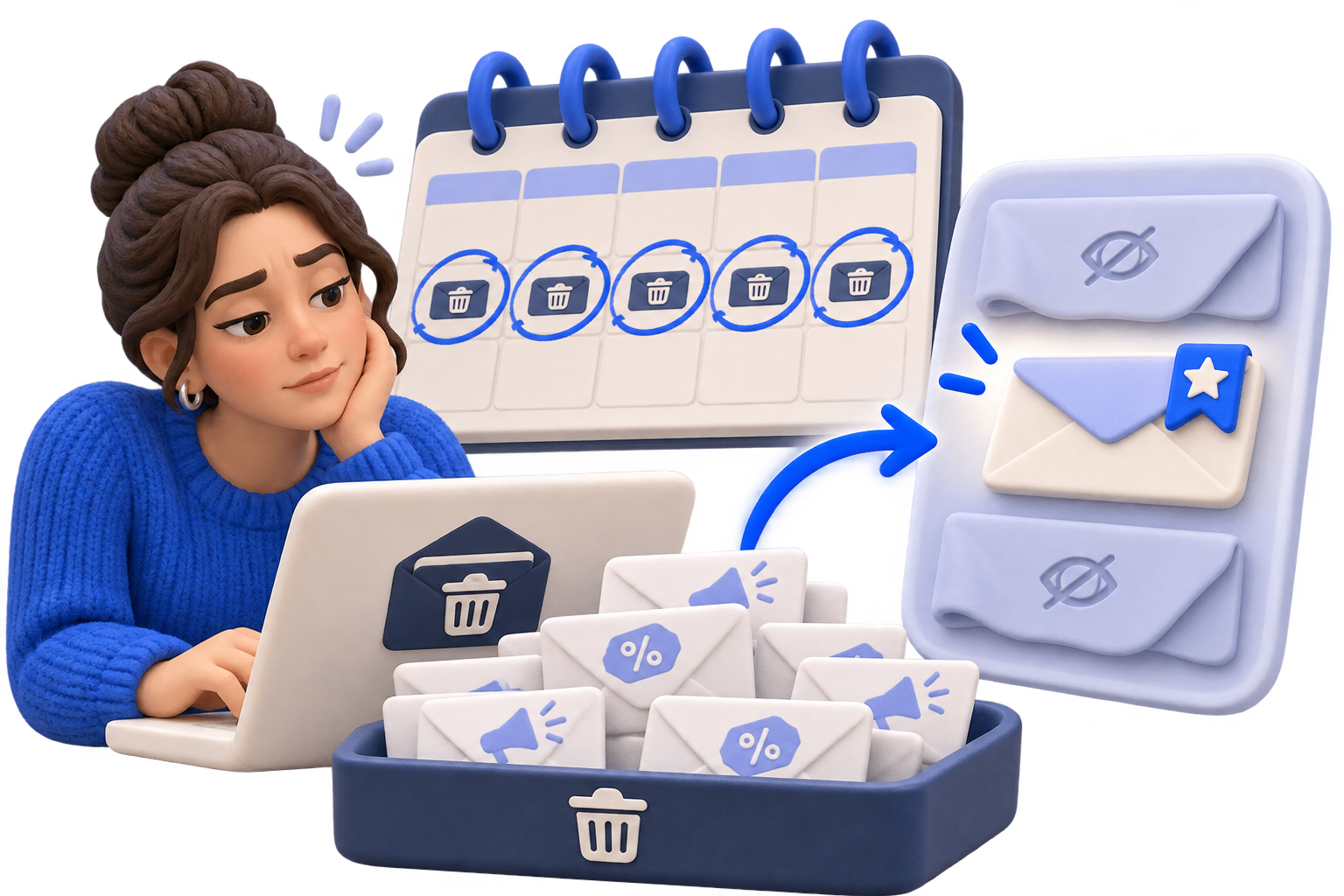
InboxPeace lets you choose a recurring unwanted sender and have matching mail removed from your connected mailbox, rather than leave it waiting in another folder.
Move an unwanted message to your InboxPeace Block folder or label to create its sender rule. Broaden it only when a supported domain or subject condition fits the unwanted pattern.
Keep protection and your mailbox connection active so the rule can handle new matches.
Find one retained message without facing every sender
Search recovery for a retained message. Reveal the result you need, choose Restore and unlock recovery if prompted. Wait for confirmation. The other sender details and subjects stay masked.
Your plan’s window and the available copies limit recovery. A message put in native Junk is not automatically an InboxPeace recovery copy.
If wanted mail is in your provider’s Junk
Use the provider’s own control for that message:
- Gmail: open Spam, select the wanted message and choose Not spam.
- iCloud Mail: select the wanted message in Junk and use its not-junk or move-to-Inbox control.
- Outlook: select the wanted message in Junk Email and use its report-not-junk or move-to-Inbox control.
Use the version shown by your provider; menus vary. Check the sender and content before treating a message as wanted.
Less unwanted mail to face
Remove recurring unwanted mail from your connected mailbox. When you need a retained message back, find it without reopening the whole unwanted list.
 See how InboxPeace works.